

How to Use Comments & Reactions in FluentCommunity

Table of Content
Subscribe To Get
WordPress Guides, Tips, and Tutorials


A post with zero comments and zero reactions sends a quiet but damaging signal. Nobody cared. A new member scrolling through your feed reads that signal instantly, even if they never say it out loud, and it shapes whether they decide to post something themselves.
Comments and Reactions are the most basic form of engagement a community has, and also the most important. Before someone writes a long post, joins a poll, or shows up to a live event, they react to something. That small, low-effort action is usually the first sign a member is actually paying attention, and it’s often the easiest engagement metric to influence directly.
In FluentCommunity, Comments & Reactions let members respond to posts and updates without writing anything at all, or with a quick comment if they want to add more. Together, they turn a feed from a one-way broadcast into an actual conversation.
If your posts are getting views but no visible response, this is the feature pair worth paying attention to first, and this post covers what it does, why it matters, and how to actually get members using it.
What Comments & Reactions Actually Do?
Reactions let a member respond to a post instantly. A single click, no typing required. Depending on your setup, this could be a simple like or a broader set of reaction types that let members express more specific responses, such as agreement, celebration, support, and so on.
Comments let members respond with an actual written reply. Visible to everyone else viewing the post. This can spark a longer thread of discussion underneath the original update.
Both live directly on every post, comment thread, and update across your community, member profiles, course lessons, chat messages, and general feed posts. All support the same interaction pattern, so members never have to relearn how to engage depending on where they are.
What This Looks Like Inside FluentCommunity?
Picture a 300-member coaching community for freelance designers. Every Friday, the coach posts a “weekly win” thread and asks members to share one thing they shipped that week.
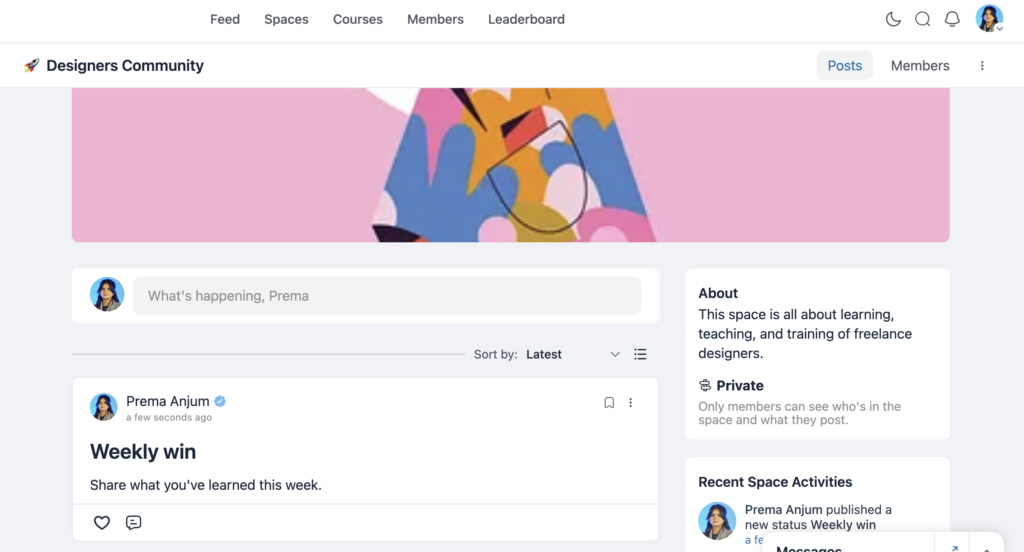
Most members don’t write a paragraph back. They tap a reaction, a quick thumbs-up or a clap, on the wins that resonate with them. FluentCommunity shows the love reaction, and counts right under the post, so anyone scrolling past can see at a glance which wins landed.
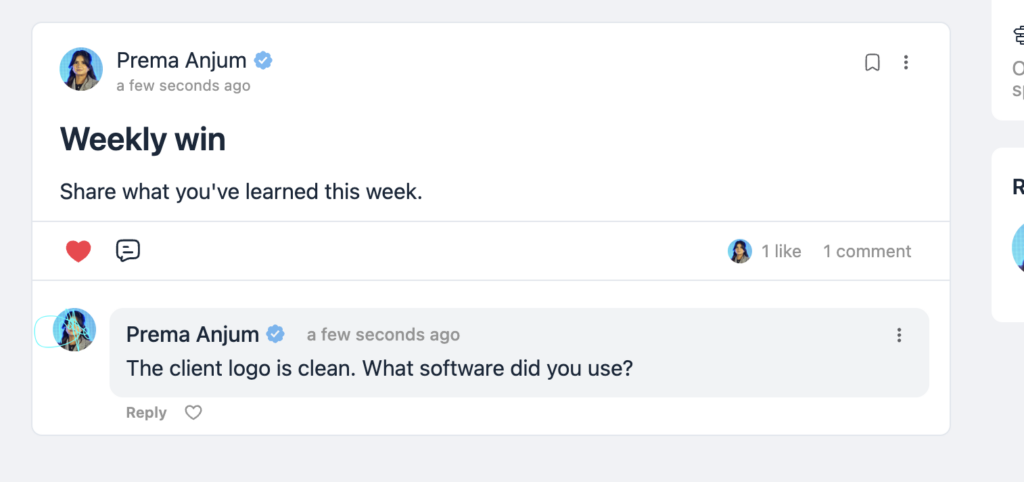
A handful of members go further and leave a short comment: “That client logo is clean, what software did you use?” That single comment thread sits directly under the post, visible to the whole Space, and turns into a five-reply exchange on tools and pricing, started entirely because reacting was easy enough to get someone to stop scrolling in the first place.
Over a few months, the coach notices a pattern in this same feed. Wins tagged with a specific client type consistently pull more comments than general check-ins. That’s the community telling the coach, through comments and reactions alone, exactly what to build the next paid workshop around.
Why This Matters More Than It Seems?
It’s the lowest barrier to participation you have. Not every member is going to write a thoughtful comment. Most won’t. But almost everyone will click a reaction if the content resonates with them. That single click is often the only engagement data point you’ll get from the majority of your community, and it’s still valuable.
It creates social proof. A post with twelve reactions and eight comments signals to anyone scrolling past that this is a place where people actually respond to each other. That signal alone makes new members more likely to post themselves.
It rewards the members who are already doing the work. Someone who takes the time to write a thoughtful post deserves to see that people noticed. Reactions and comments are the immediate feedback that makes posting feel worth the effort, and members who don’t get that feedback stop posting.
It surfaces what your community actually cares about. The posts that get the most comments and reactions tell you, in real time, what topics resonate. That’s free research on what to create more of.
How to Encourage More Comments & Reactions
The feature works out of the box for every member. There’s no setup required to enable it. The real work is in building the habits that get it used consistently.
React first, as the admin. In the early days of a community, admin reactions and comments set the tone. If you’re reacting to and commenting on member posts consistently, members learn that engagement is expected here.
Ask questions in your own posts. A post that ends with a direct question gets more comments than a post that’s purely a statement. “What’s your experience with this?” invites a response in a way a plain announcement never will.
Respond to comments, don’t just leave them. When a member comments on your post and you reply back, you’ve turned a single comment into a two-person exchange, and other members are more likely to jump in once they see a conversation happening, not just a list of disconnected reactions.
Highlight great responses. If a comment adds real value, quote it in a follow-up post or mention the member. This tells the whole community that thoughtful comments get noticed, which encourages more of them.
Setting Expectations Early
New members often hold back from commenting because they’re not sure if it’s welcome, or because the first few posts they saw had no comments at all, so they assume nobody’s watching.
This is why the first two weeks of a new community, or a new Space within one, matter disproportionately. Whatever engagement pattern gets established early tends to stick. If the first ten posts get real comments and reactions, new members model that behavior. If they don’t, silence becomes the norm, and it’s much harder to reverse later than to establish correctly from the start.
Handling Critical or Negative Comments Without Shutting Down Engagement
The same openness that makes comments valuable also means an occasional critical or negative one will show up, and how you handle the first few sets the tone for how your community treats disagreement going forward.
Resist deleting a comment just because it’s negative. If it’s a genuine complaint or a fair critique stated respectfully, responding to it openly, calmly, and without defensiveness does more for your credibility than removing it ever would. Members notice when an admin engages with criticism instead of hiding it, and it makes your positive reviews and reactions feel more trustworthy by comparison.
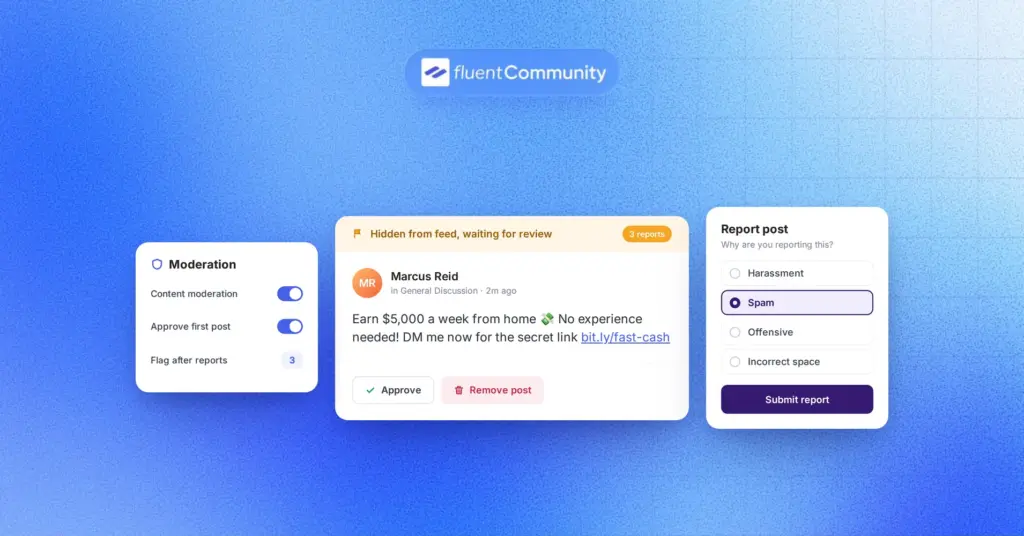
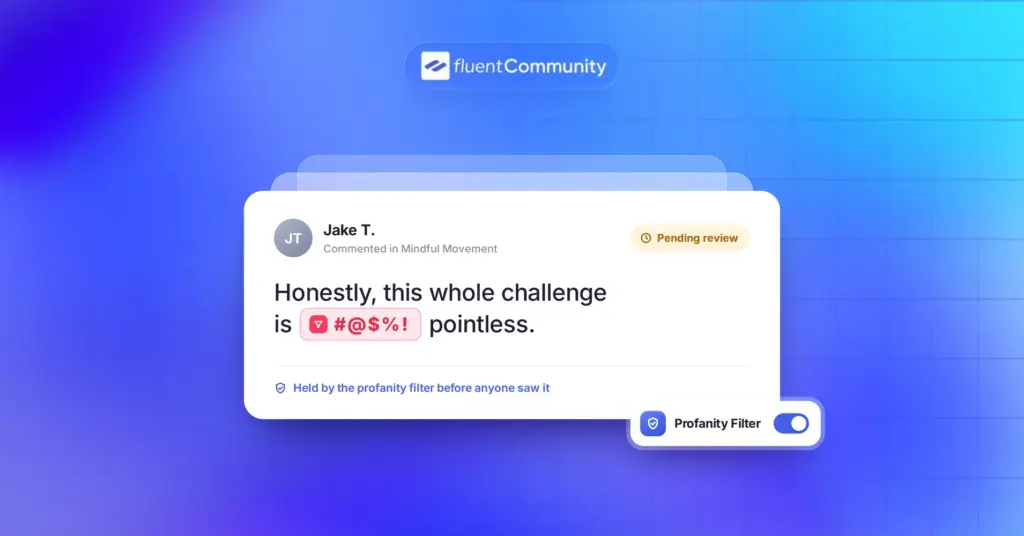
Reserve actual moderation, hiding a comment, muting a member, for content that’s genuinely abusive, off-topic in a disruptive way, or against your stated community guidelines, not simply for disagreement you’d rather not see. If you’re using Role Manager to assign moderators, make sure this distinction is documented somewhere they can reference, so enforcement stays consistent regardless of who’s reviewing a given thread.
A community that only ever shows agreement starts to feel curated rather than real, and members are quick to sense the difference. A little honest friction, handled well, actually builds more trust than a feed that never shows any.
Reading Engagement Data Without Overreacting to It
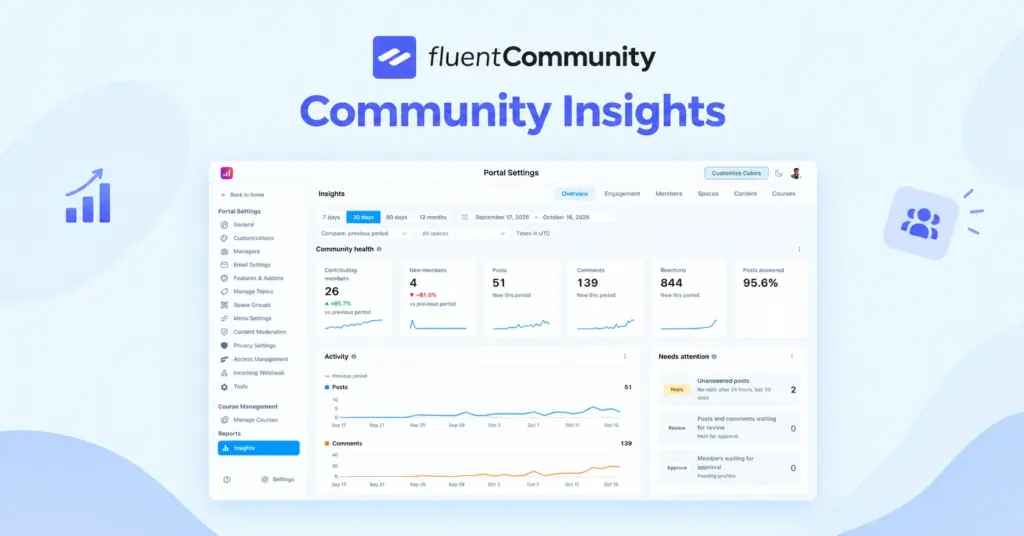
Once your community has been active for a while, comments and reactions become a genuine data source, not just a feel-good metric, and it’s worth learning to read that data correctly instead of reacting to every single post’s numbers in isolation.
A single post with low engagement doesn’t necessarily mean it was a bad post. Timing, competing content, or simply an off day for your community can explain a quiet response just as easily as the content itself. What matters more is the pattern over weeks and months: which topics consistently generate real discussion, which post formats get reactions but not comments, and which types of updates tend to go quiet regardless of how they’re written.
Use that pattern to inform what you create more of, not to chase engagement on every individual post. A community that occasionally posts something quieter but genuinely useful is healthier than one that only posts what’s guaranteed to get a reaction.
The Difference Between Reactions and Comments as Signals
It’s worth treating these two forms of engagement as distinct signals rather than combining them into one generic “engagement” number.
A reaction tells you a post resonated, someone saw it and felt strongly enough to click something, but doesn’t tell you why. A comment tells you more. Someone had a specific enough thought or question that they were willing to write it out, which is a stronger, more actionable signal.
If you’re deciding what to build more of a course topic, a new Space, a future event lean more heavily on what generates real comments than what only generates reactions. Comments tend to reveal actual needs and opinions, while reactions mostly reveal general approval. Both matter, but they answer different questions, and confusing the two can lead you to prioritize content that’s popular in the moment over content that’s genuinely useful.
Final Thoughts
Comments and Reactions are simple by design, and that’s exactly why they work. They ask almost nothing of your members while giving you a constant, real-time read on what’s resonating and what isn’t. Get the early habits right, react first, respond to comments, ask real questions, and the rest of your community will follow the pattern you set.
Want to use mentions and hashtags in your community with FluentCommunity? Check out the anchored text in the paragraph.

Prema Anjum
My full name is Anzuman Ara Chowdhury. But people know me as Prema Anjum. I’m a Digital Marketer by profession, a WordPress community contributor, and a travel enthusiast by heart.
![SEO Title: 5 Best Community Portal Software [WordPress + SaaS Options]](https://fluentcommunity.co/wp-content/uploads/2026/10/community-portal-software-featured-1-1024x536.webp)

Add your first comment to this post