

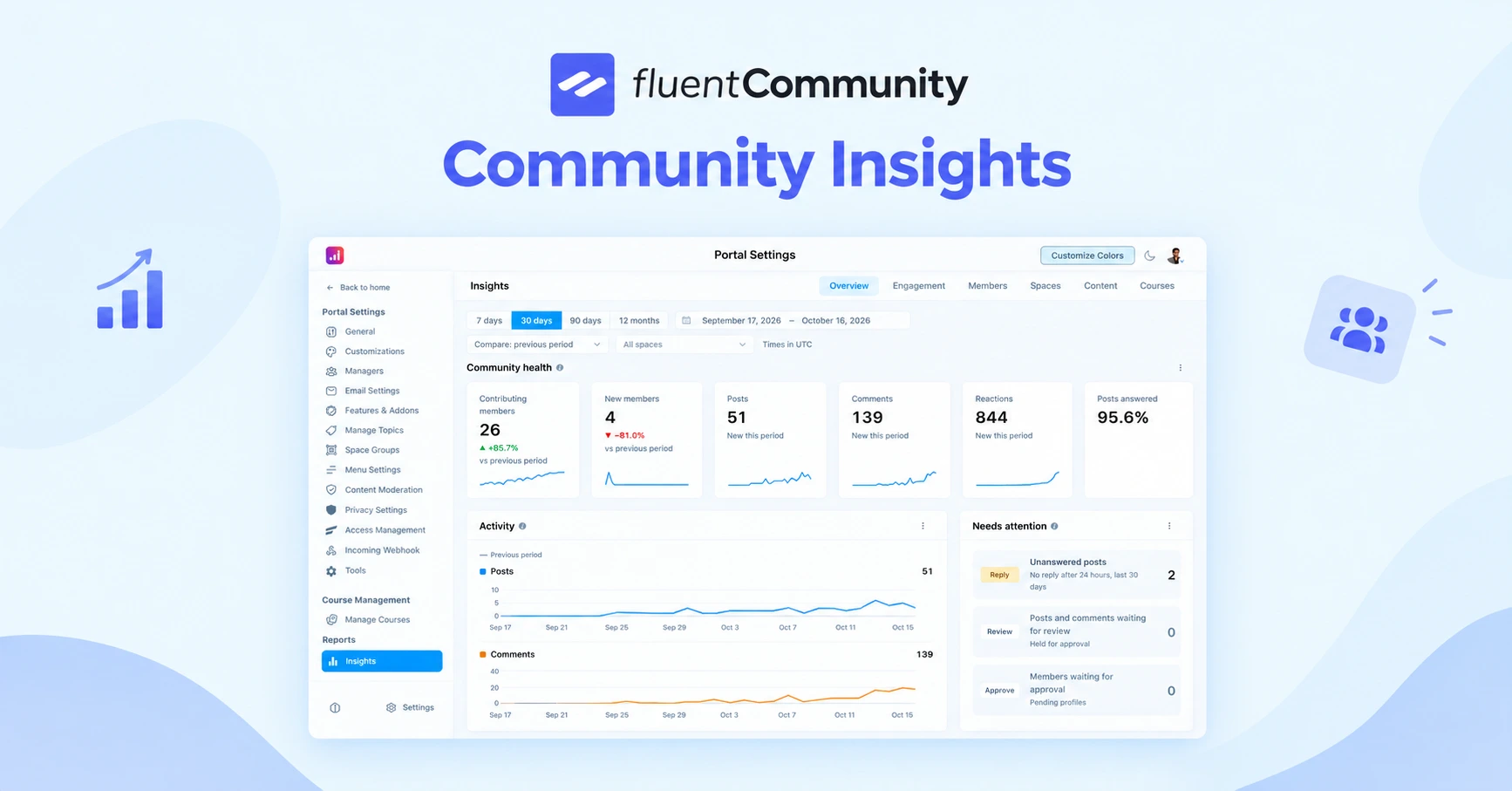
FluentCommunity Insights: Community Analytics for WordPress

Table of Content
Subscribe To Get
WordPress Guides, Tips, and Tutorials


Every community owner eventually asks the same handful of questions. Is the community growing? Are people actually talking, or just logging in and leaving? Which spaces are worth the effort, and which ones have quietly gone silent? These are simple questions, and they deserve straight answers. The trouble is that a reporting screen is only useful if you can trust it, and for a while, FluentCommunity’s old Reports screen could not always be trusted.
Weekly charts would sometimes drop to zero for no real reason. The last day of a selected range was left out of the count. A twelve-month view could blend the same month from two different years into one bar. And the “Total Members” card quietly showed the same figure as “New Members,” making one of the page’s most basic numbers unreliable.
Small bugs like these add up, because once you catch a report being wrong, you stop believing the rest of it. So instead of patching the old screen one issue at a time, we rebuilt reporting from the ground up. The result is called Insights, and its job is simple: tell you what your community is actually doing, accurately, and in a way that helps you decide what to do next.
One Consistent Way to Read Every Page
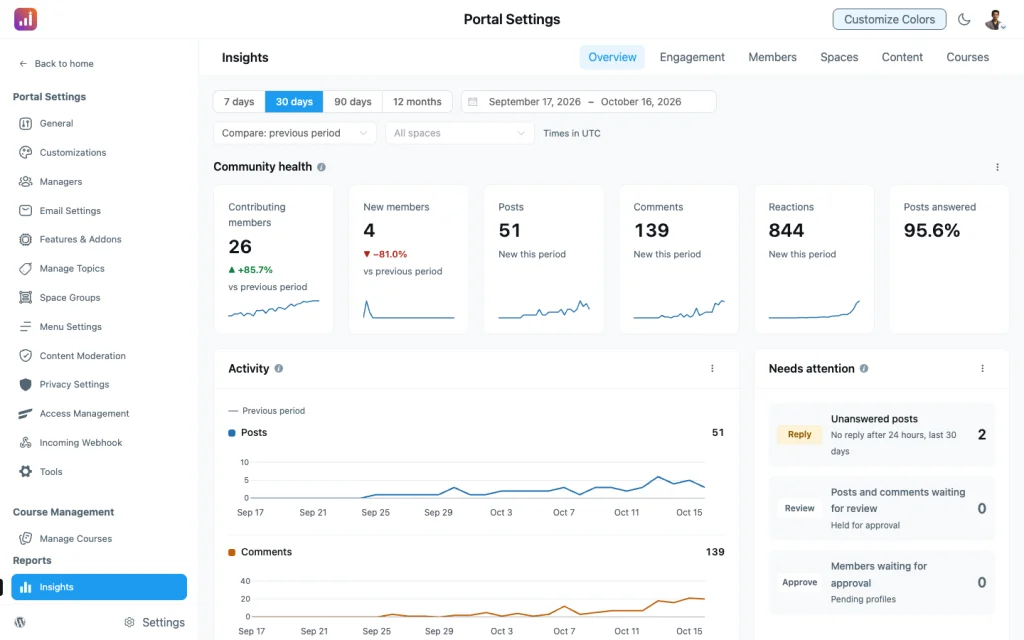
The first thing you will notice about Insights is that every page behaves the same way. At the top, you pick a date range. You can choose 7 days, 30 days, 90 days, or 12 months, or you can set your own custom dates. Once you do, every card on the page recalculates against that range, so you are never comparing a weekly chart with a monthly total by accident.
Each number also comes with context. Insights compares it with the previous period of the same length, which means a 30-day view shows you how this month stacks up against the 30 days before it. That comparison is what turns a number into a signal. Knowing you had 400 comments is interesting, but knowing you had 400 comments compared with 280 the period before tells you something is working.
Just as importantly, the way time is grouped now respects your site. Daily and weekly buckets follow your WordPress timezone, and weeks start on the day you have set in your WordPress week-start setting. If your community is based in Dhaka and your week starts on Saturday, that is exactly how Insights counts it. A week means what it means to you, not what a server somewhere else assumes it means.
The Overview Page Comes Free
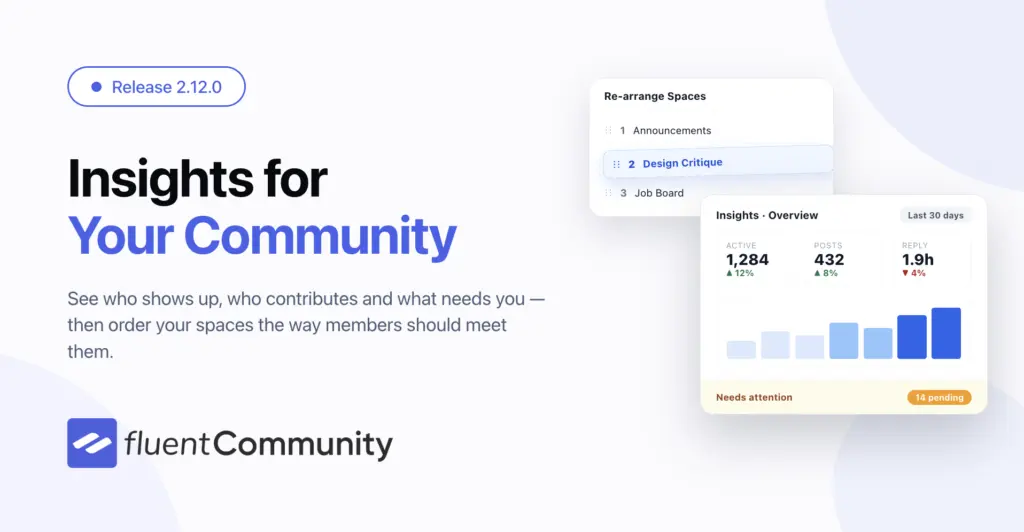
The Overview page is included in the free version of FluentCommunity, and for many communities it will cover the everyday questions. It opens with a summary row that gives you the key numbers at a glance, followed by an activity trend so you can see whether things are rising, steady, or slowing down over the range you picked.
Below that, you will find active members and new members shown separately, which is exactly the distinction the old screen blurred. Active members tell you how many people are genuinely participating, while new members tell you how many people joined. Seeing both side by side helps you spot an important pattern early, such as strong sign-ups paired with weak participation, which usually points to an onboarding problem rather than a marketing one.
The Overview page also highlights your busiest spaces, so you can see where the conversation is concentrated. Finally, there is a Needs Attention list, which may be the most practical part of the page. It surfaces posts and reports that are waiting on you and links straight to them, so you can move from noticing a problem to fixing it in one click.
If you have courses enabled, you also get a free Courses page. It gives you a summary of your course activity along with enrollment figures, which is helpful if you run a learning community and want to know whether people are actually signing up for what you teach.
See What You Are Missing Before You Decide
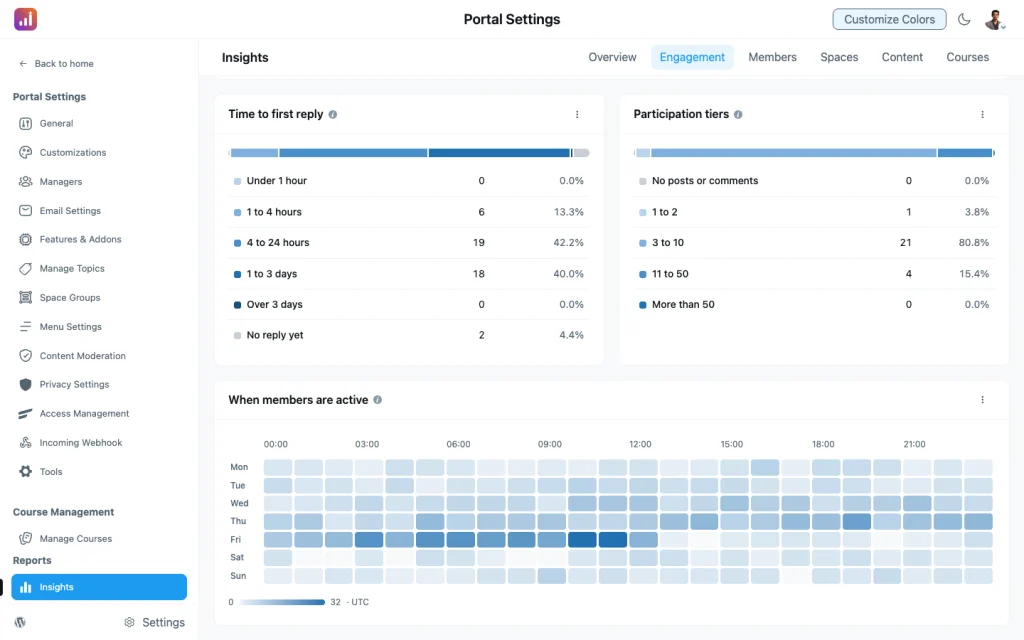
If you are on the free plugin, the pro pages do not disappear from the menu. They still appear, and each one shows what its cards would tell you. Rather than asking you to upgrade based on a feature list, Insights lets you see the kind of answers each page provides, so you can judge for yourself whether those answers matter for your community before you decide.
Export Any Table to CSV
Any card’s table can be exported to CSV, so you can pull the data into a spreadsheet, share it with your team, or drop it into a monthly report without rebuilding figures by hand.
An Important Note About Member Visits
There is one detail worth understanding before you dive in. In the past, FluentCommunity never stored a history of member visits. It only kept the most recent visit for each person. That means there was no record of how often people came back over time. Insights changes this. From the day you update, it begins recording daily activity, so the longer
Insights runs, the more it can tell you about visit patterns and returning members. Your past posts, comments, and reactions are backfilled, so those historical charts will be filled in right away. Visits, however, start from now. If your visit-based numbers look thin in the first few weeks, that is expected, and it is a good reason to update sooner rather than later so the record starts building.
Faster for Everyone Else
Insights also stays out of the way when you are not using it. It loads only when you open it, rather than riding along with the rest of the admin app, so the heavier analytics work only happens when you actually ask for it.
Make Better Decisions With Numbers You Can Trust
A good community is built on attention. You notice who is showing up, who is going quiet, which conversations are thriving, and which questions are being left behind. Insights gives that attention a reliable foundation. The numbers are accurate, the ranges are consistent, the time buckets match your site, and every figure comes with a comparison that tells you whether things are getting better or worse.
Start with the free Overview to get a clear picture of your community today, and explore the pro pages when you are ready to answer the harder questions about participation, retention, responsiveness, and content performance.
Read the full 2.12.0 release note.

Prema Anjum
My full name is Anzuman Ara Chowdhury. But people know me as Prema Anjum. I’m a Digital Marketer by profession, a WordPress community contributor, and a travel enthusiast by heart.


Add your first comment to this post