

8 Best LearnDash Alternatives for WordPress

Table of Content
Subscribe To Get
WordPress Guides, Tips, and Tutorials


If you’ve been following the WordPress space lately, you already know things have gotten a bit unsettled around LearnDash. In November 2025, Liquid Web, the private equity-owned parent company of LearnDash, laid off roughly 25% of the StellarWP team, approximately 36 people, including Taylor Walden, LearnDash’s own Product Owner, and Ben Meredith, Director of Customer Service for GiveWP. That’s sixteen combined years of product experience gone in one round of cuts.
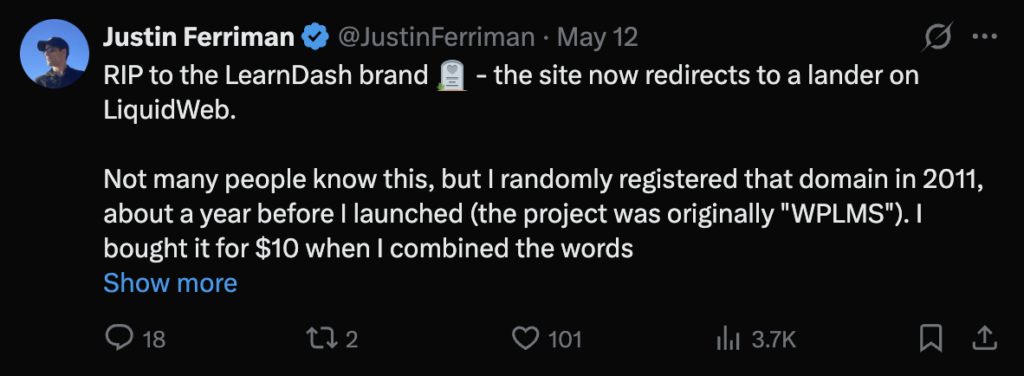
Then, in May 2026, things escalated further. Liquid Web folded the entire StellarWP portfolio- LearnDash, Kadence, The Events Calendar, GiveWP, SolidWP, Restrict Content Pro, MemberDash, and Iconic into a single website, liquidweb.com. LearnDash.com now redirects there. Even LearnDash’s own founder reacted publicly. Justin Ferriman posted: “RIP to the LearnDash brand, the site now redirects to a lander on LiquidWeb.”
For many course creators and educators, this has been a wake-up call. If you’re thinking about switching, you’re not alone. This post covers the 8 best LearnDash alternatives available on WordPress right now, with features, pricing, and who each one is best for.
FluentCommunity: Best All-in-One LMS + Community Platform
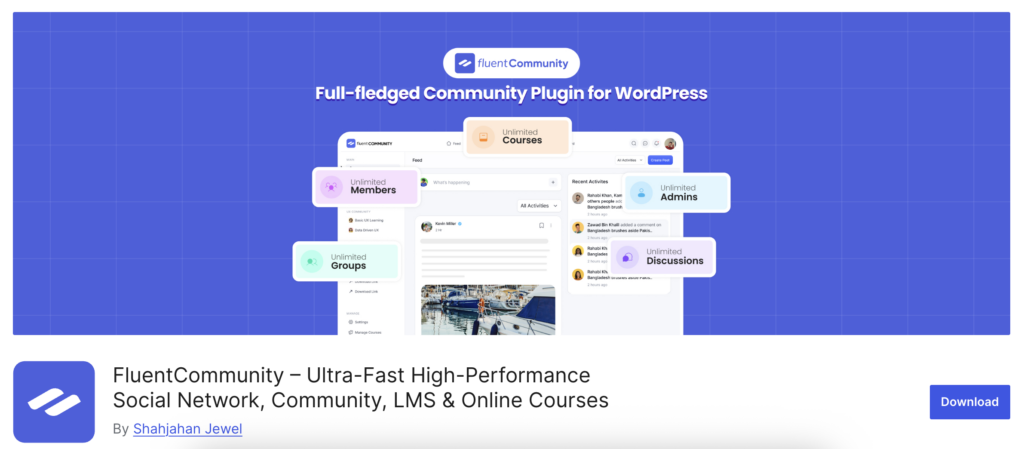
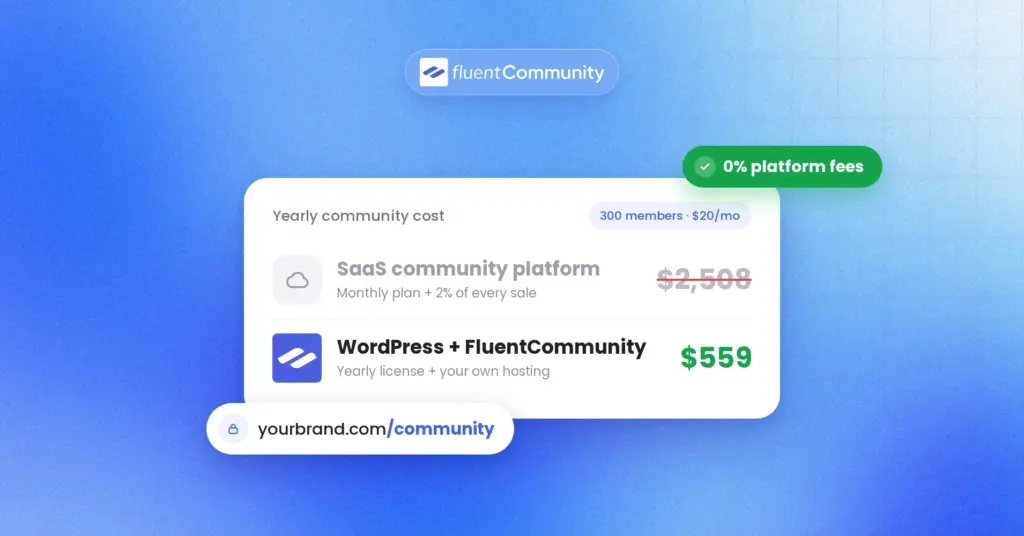
If LearnDash’s recent instability has you rethinking your setup, FluentCommunity is the most complete replacement available on WordPress today. It’s not just an LMS, it’s a full community platform with course building built right in. You get everything in one plugin, under one license, with no add-on paywalls.
Features
FluentCommunity covers all the core LMS features you’d expect from a serious WordPress online course platform. A Gutenberg-based course builder makes it easy to structure your content into lessons and modules without any coding. You get drip content scheduling, sequential lesson lock, progress tracking, and flexible enrollment types. So you can control exactly how students move through your material.
Content privacy controls let you set spaces as public, private, or secret. Whether you’re building a simple standalone course or a full membership-based e-learning website on WordPress, FluentCommunity gives you the foundation to deliver a structured, professional learning experience without relying on a separate LMS plugin.
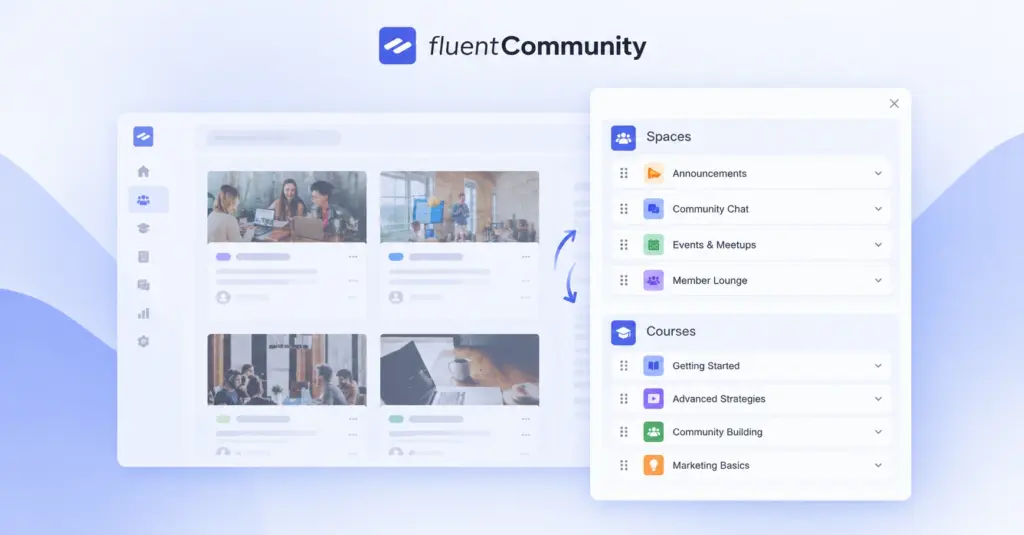
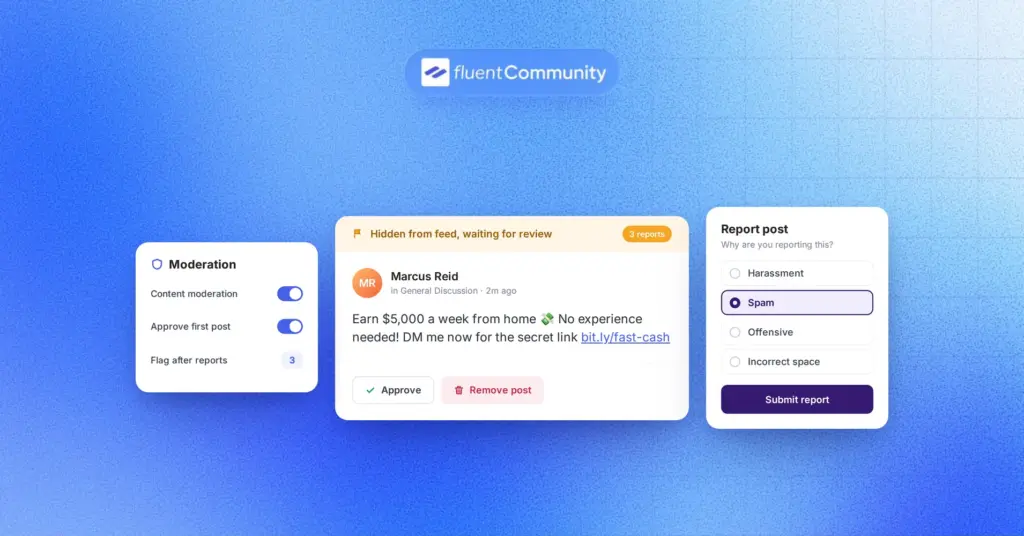
Where FluentCommunity goes far beyond a traditional WordPress LMS is the built-in community layer. Every course gets its own dedicated discussion space. Members get real-time activity feeds, profiles, direct chat, notifications with reaction support, polls, leaderboards, and gamification, everything a modern online learning community needs, all without installing a single extra plugin.
FluentCommunity is a complete community platform designed for businesses. Download now to create and manage your community.
Pricing
- Annual: $159/year (1 site), $319/year (5 sites), $519/year (15 sites)
- Lifetime: $399 (1 site), $799 (5 sites), $1,599 (15 sites)
- Free version available
No add-ons required. All features are included in every plan.
Best for: Coaches, course creators, and small businesses who want an LMS and community in a single plugin.
LifterLMS: Feature-Rich and Developer-Friendly
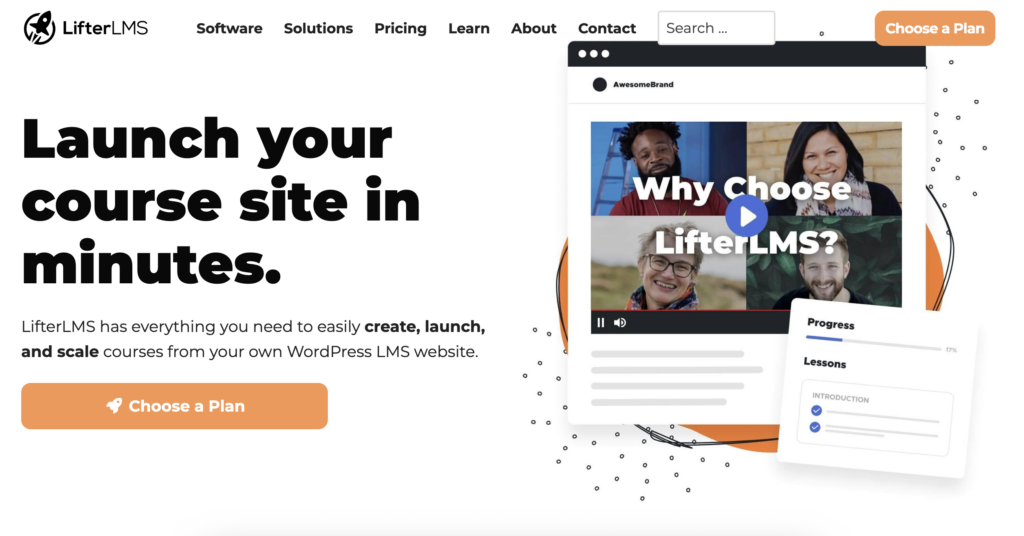
LifterLMS has been a popular LearnDash alternative for years, and for good reason. Built for educators, coaches, and entrepreneurs, it delivers a well-structured, flexible LMS experience with a strong free core that goes beyond what most free plugins offer.
Out of the box, LifterLMS supports course and lesson creation, quizzes, certificates, membership access plans, and student management. It also integrates smoothly with tools like WooCommerce, MailChimp, and ConvertKit, making it a solid fit for creators who already have a marketing stack in place.
The free version is genuinely useful for getting started. However, most serious course setups will eventually need paid add-ons for payment gateways, advanced certificates, or deeper email automation. Each add-on is priced separately, so the costs can add up quickly depending on how many features your setup requires.
Pricing
The free version is available. Individual add-ons are priced between $99–$299 per year, while all-access bundles start at around $299 per year.
Best for: WordPress developers and educators who want a flexible LMS with a strong free foundation and don’t mind managing add-ons.
Tutor LMS: Clean Interface, Beginner-Friendly
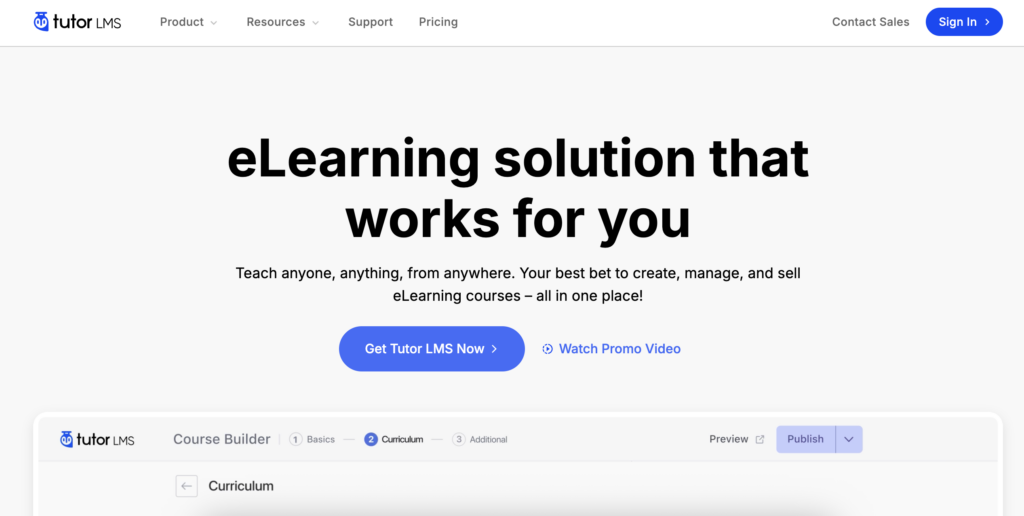
Tutor LMS has grown significantly over the past few years and now offers a clean, modern course-building experience that feels easier to navigate than LearnDash. Built by Themeum, it’s designed with simplicity in mind. Whether you’re setting up your first course or managing a full learning platform, everything feels straightforward from day one.
At its core, Tutor LMS gives you a front-end drag-and-drop course builder, multi-type quizzes, assignments, certificates, a Q&A section, and a dedicated student dashboard, all without touching a single line of code. Video lessons, text content, embedded media, and downloadable attachments are all supported natively.
The free version is genuinely useful for getting started. The Pro version unlocks advanced quiz types, content drip scheduling, live class integrations with Zoom and Google Meet, a certificate builder, multi-instructor support, WooCommerce integration, and a detailed analytics dashboard for tracking student performance across your entire course.
Pricing
A free version is available. The Pro plan is billed annually, starting at $199/year for a single site, $399/year for up to 5 sites, and $799/year for unlimited sites.
Best for: Educators and small course creators who want a clean, beginner-friendly LMS without a steep learning curve.
MasterStudy LMS: Budget-Friendly with Strong Features
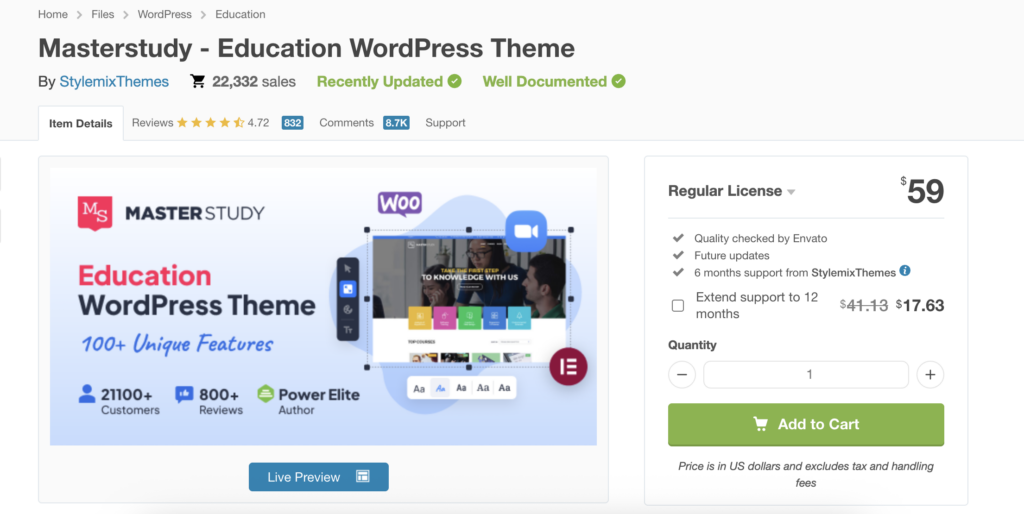
MasterStudy LMS is one of the most underrated options in the WordPress LMS space, delivering a surprisingly solid feature set at a very accessible price point. Built by StylemixThemes, it covers everything you’d expect from a serious LMS: course management, multi-type quizzes, certificates, a clean student dashboard, and live lessons via Zoom integration.
What sets it apart is the built-in course marketplace mode, which allows multiple instructors to create and sell their own courses on your platform. Something most plugins charge extra for. You also get assignment management, course announcements, a Q&A section, and drip content scheduling built right in.
The free version on WordPress.org is genuinely generous compared to competitors. The Pro license remains one of the most affordable annual options available in the WordPress LMS space today.
Pricing
A free version is available. The Pro plan is priced at $149/year and covers unlimited sites.
Best for: Budget-conscious course creators who need a reliable LMS without spending a lot on annual licensing.
Sensei LMS: Built by Automattic, WooCommerce-Native
Sensei LMS is made by Automattic, the company behind WordPress.com and WooCommerce. If your course business is already built on WooCommerce, Sensei fits in naturally. It uses the Gutenberg block editor for course building, supports video courses, quizzes, student management, and connects directly to WooCommerce for payments.
Because it comes from Automattic, you can expect long-term support and consistent WordPress compatibility. The tradeoff is that it’s more focused on simplicity than depth, so advanced LMS needs may require additional plugins.
Pricing
A free version is available on WordPress.org. Sensei Pro is billed annually, starting at $179/year for a single site, $259/year for up to 5 sites, and $349/year for unlimited sites.
Best for: WooCommerce store owners who want to add courses to an existing eCommerce setup without a new ecosystem.
WP Courseware: One of the Oldest LMS Plugins
WP Courseware has been around since the early days of WordPress LMS plugins, making it one of the most battle-tested options on this list. It features a drag-and-drop course builder, quizzes, surveys, certificates, and integration with membership plugins like MemberPress and Paid Memberships Pro.
It’s a straightforward plugin without a lot of bloat. If you’ve been on a simple course delivery setup and just want something stable that works, WP Courseware is worth considering. It’s not the most feature-forward option, but it’s reliable.
Pricing
No free version is available. Pricing starts at $149/year for 2 sites and $249/year for unlimited sites.
Best for: Course creators who want a simple, no-fuss LMS that integrates well with existing membership plugins.
CoursePress: Lightweight and WooCommerce-Compatible
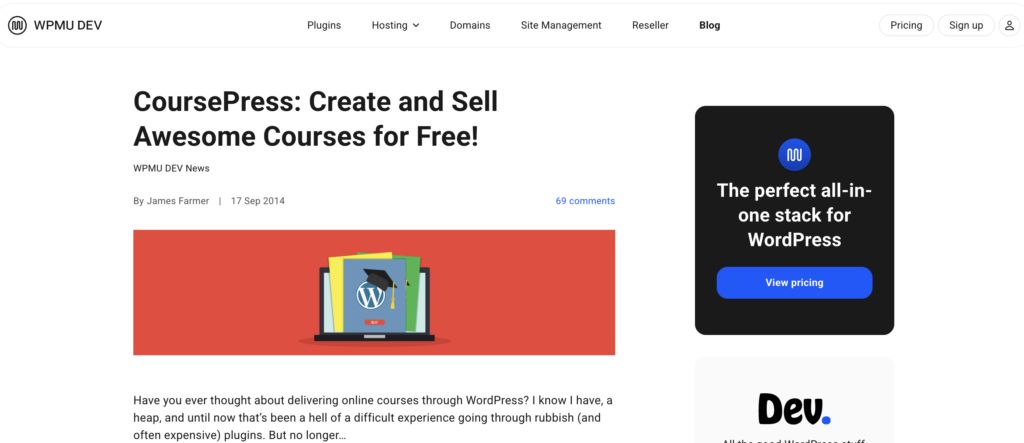
CoursePress is a lightweight LMS plugin from WPMU DEV that handles the basics cleanly and efficiently. It covers course creation, lessons, quizzes, student enrollment, and completion tracking, everything a small course operation needs to get up and running without overthinking the setup. It’s WooCommerce-compatible out of the box, making it straightforward to sell courses directly without extra payment configuration or third-party plugins.
You also get a simple student dashboard, basic reporting, and media support for video and audio lessons. It’s not packed with advanced features, but that’s also its strength. If you want something lightweight, stable, and easy to manage without a complex plugin stack, CoursePress delivers exactly that.
Pricing
CoursePress is available through a WPMU DEV membership, priced at $199/year, which covers unlimited sites and includes access to all plugins in their library.
Best for: WPMU DEV users or site owners who want a lightweight LMS alongside a broader plugin toolkit.
Academy LMS: Modern UI with Marketplace Features
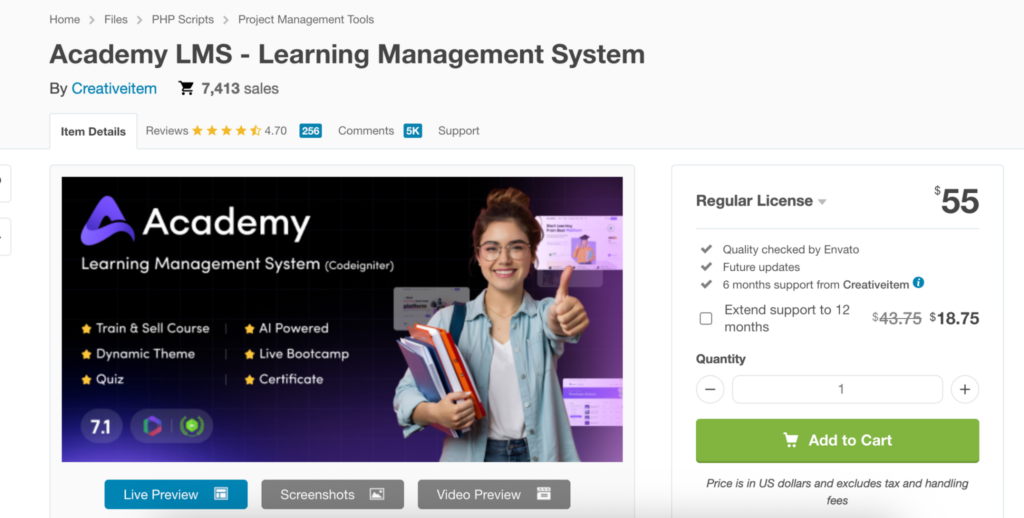
Academy LMS is a newer entrant to the WordPress LMS space but has been gaining steady attention for its modern interface and built-in course marketplace support. Built by Kodezen, it allows multiple instructors to create and sell their own courses independently, making it a strong fit for anyone looking to build a multi-instructor learning platform rather than a single-creator course site.
It includes a polished student dashboard, multi-type quizzes, certificates, course reviews, and WooCommerce integration for seamless course monetization. Content drip, course announcements, and a clean enrollment flow are also included. If building a scalable WordPress course marketplace is your goal, Academy LMS is one of the more capable options available today.
Pricing
A free version is available. The Pro plan starts at $149/year for a single site and $249/year for unlimited sites.
Best for: Entrepreneurs who want to launch a multi-instructor course marketplace on WordPress.
Quick Comparison at a Glance
| Plugin | Starting Price | Free Version | Community Built-in | Best For |
| FluentCommunity | $159/year | ✓ | ✓ | Coaches, creators, all-in-one |
| LifterLMS | $99/year (add-ons) | ✓ | ✗ | Developers, flexible setups |
| Tutor LMS | $199/year | ✓ | ✗ | Beginners, clean UI |
| MasterStudy LMS | $149/year | ✓ | ✗ | Budget-conscious creators |
| Sensei LMS | $179/year | ✓ | ✗ | WooCommerce users |
| WP Courseware | $149/year | ✗ | ✗ | Simple, stable delivery |
| CoursePress | $199/year* | ✗ | ✗ | WPMU DEV users |
| Academy LMS | $149/year | ✓ | ✗ | Multi-instructor marketplaces |
Which LearnDash Alternative Should You Choose?
It depends entirely on what you’re trying to build. If all you need is a focused course delivery tool with quizzes and certificates, LifterLMS or Tutor LMS are solid, well-supported options. If budget is your main concern, MasterStudy LMS gives you the most features for the lowest price tag.
But if the LearnDash situation has made you think more carefully about long-term platform stability, and if you want your courses and your community to live together in one place.
FluentCommunity is the clear winner. It’s actively developed, independently owned, comes with a lifetime license option, and covers both LMS and community without requiring a single add-on.
The WordPress ecosystem has changed. Course creators don’t have to settle for a plugin that only does half the job.
Looking for the best LMS plugins in WordPress? Check out our blog given in the anchor text.

Prema Anjum
My full name is Anzuman Ara Chowdhury. But people know me as Prema Anjum. I’m a Digital Marketer by profession, a WordPress community contributor, and a travel enthusiast by heart.
![SEO Title: 5 Best Community Portal Software [WordPress + SaaS Options]](https://fluentcommunity.co/wp-content/uploads/2026/10/community-portal-software-featured-1-1024x536.webp)


Add your first comment to this post