


How to Choose an Online Community Management Platform That Keeps Members Engaged

Table of Content
Subscribe To Get
WordPress Guides, Tips, and Tutorials


Building an online community sounds simple at first. You create a group, invite a few people, and wait for conversations to start. However, anyone who has tried this knows the reality is different. Members join and then go quiet. Important posts get buried. Spam slips in, questions go unanswered, and before long, the space feels empty even when hundreds of people have signed up.
This is exactly where an online community management platform makes a difference. Instead of juggling social media groups, email threads, chat apps, and spreadsheets, you get one home where your members can meet, talk, learn, and grow together. More importantly, you get the tools to guide that activity rather than simply hoping it happens.
In this guide, we will walk through what an online community management platform actually is, why it matters, which features deserve your attention, and how to pick the right option for your goals. Whether you are a course creator, a coach, a membership site owner, or a brand that wants closer relationships with its customers, this guide will help you make a confident decision without getting lost in technical jargon.
What Is an Online Community Management Platform?
An online community management platform is software that lets you create, run, and grow a private or public space where people with shared interests connect. Think of it as a digital clubhouse. You decide who gets in, what the rooms look like, what people can do inside, and how the space stays healthy over time.
At its core, the platform handles three jobs. First, it gives members a place to interact through posts, comments, discussions, and messages. Second, it gives you, the community owner, control over members, content, and permissions. Third, it helps you understand what is working so you can improve the experience.
This differs from a regular social media group, where you are a guest in someone else’s house and the algorithm decides who sees your posts. A dedicated platform, by contrast, puts you in charge of the experience, the branding, and often the data itself.
Why Your Community Needs a Dedicated Platform?
Many communities start inside a free Facebook group or a chat server, and that is perfectly fine in the early days. Nevertheless, as a community grows, the cracks begin to show. The biggest issue is visibility. In a crowded social feed, your community’s posts compete with ads, viral videos, and updates from friends and family. As a result, even your most loyal members can miss important announcements. A dedicated platform removes that competition, so members see what matters to them.
Another reason is organization. When everything happens in a single feed, valuable conversations disappear within hours. On a proper community platform, you can separate topics into spaces or groups, pin important resources, and make older discussions easy to find through search.
Ownership is equally important. If your entire community lives on a platform you do not control, you are one policy change away from losing access to your members. On the other hand, when the community runs on your own platform, your relationships and your content stay with you.
Finally, there is the business side. If you plan to sell courses, memberships, or premium access, you need tools that connect community, content, and payments in one place. Trying to stitch these together across several unrelated apps quickly becomes expensive and confusing for both you and your members.
Key Features to Look For
Not every platform offers the same tools, and more features do not always mean a better experience. Instead, focus on the features that directly support how your community will actually work. Here are the ones that matter most for beginners.
Spaces and Groups
A good platform lets you divide your community into separate spaces. For example, a fitness community might have one space for beginners, another for nutrition, and a private space for paid members. This structure keeps conversations focused and helps new members find their place quickly. Without it, everything piles up in one feed, and newcomers feel overwhelmed.
Activity Feed and Discussions
The activity feed is the heartbeat of your community. It shows members what is new and gives them a reason to return. Alongside the feed, threaded discussions allow deeper conversations to happen without getting lost. Look for a platform that supports rich posts with images, videos, documents, and reactions, because members engage more when sharing feels easy and natural.
Member Profiles and Directories
People join communities to connect with other people, not just to read content. Member profiles give everyone a face and a story, while a member directory helps people find others with similar interests. Consequently, relationships form more naturally, and members feel like they belong to something real.
Private Messaging
Public discussions are valuable, but some conversations work better one-on-one. Private messaging lets members network, ask for help, or collaborate without leaving your platform. In addition, keeping these conversations inside your community means members have one more reason to log in rather than drifting off to another app.
Moderation Tools
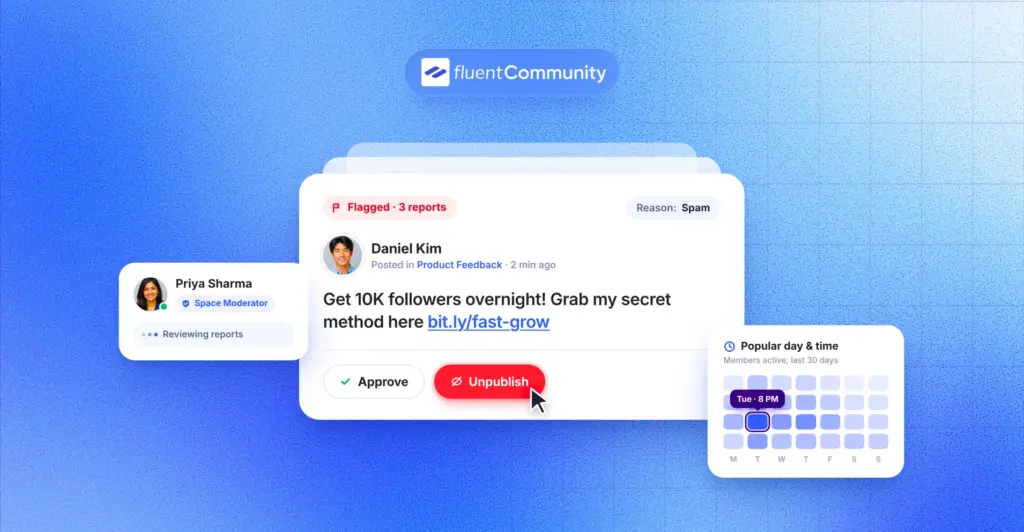
Every growing community eventually faces spam, off-topic posts, or the occasional difficult member. Therefore, strong moderation tools are not optional. You need the ability to approve or remove posts, manage member roles, assign moderators, and set clear permissions for each space. Good moderation protects the culture you are building and keeps the space safe for everyone.
Gamification and Engagement Features
Engagement rarely happens by accident. Features like leaderboards, points, badges, and reactions give members small rewards for participating. For instance, a leaderboard that highlights the most helpful contributors each month encourages others to share their knowledge too. Used thoughtfully, these tools turn passive readers into active contributors.
Courses and Learning Tools
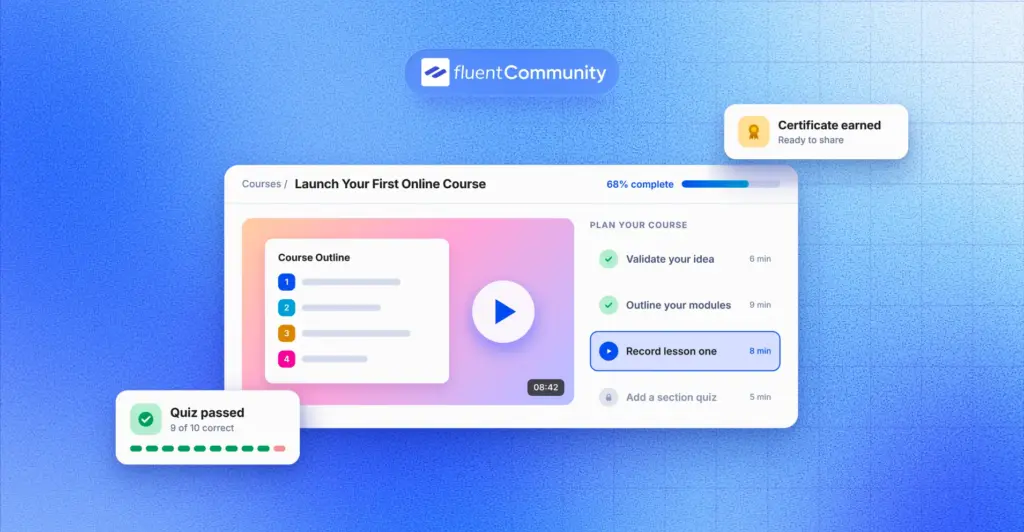
If you teach anything, combining courses with community is one of the most powerful setups available. Members can take a lesson, then immediately discuss it with peers in the same place. Look for course features such as lesson organization, progress tracking, and lesson-level discussions. This way, learning becomes a shared experience rather than a lonely one.
Customization and Branding
Your community should look and feel like your brand. Custom colors, logos, layouts, and domain options all help members recognize where they are and build trust. Furthermore, a branded space feels more professional than a generic group, which matters a great deal if you are charging for access.
Integrations
Finally, your community does not exist in isolation. You may need it to connect with your email marketing tool, payment system, forms, or CRM. Strong integrations reduce manual work and help you automate tasks like welcoming new members or granting access after a purchase.
SaaS Platforms vs. Self-Hosted Platforms
Once you understand the features, the next big decision is where your community will live. Broadly speaking, you have two choices: a hosted SaaS platform or a self-hosted solution, often built on WordPress.
SaaS platforms run on the provider’s servers. You sign up, pay a monthly subscription, and start building right away. The main advantage is convenience, since the provider handles hosting, updates, and security. That said, there are trade-offs. Monthly fees often rise as your member count grows or as you unlock more features, and some platforms take a cut of your transactions. In addition, your member data lives on their servers, and moving away later can be difficult.
Self-hosted platforms, by contrast, run on your own website. With WordPress, for example, you install a community plugin and manage everything from your own dashboard. This approach gives you full ownership of your data, deeper customization, and usually more predictable costs over time. You also avoid platform lock-in because your community lives on infrastructure you control.
The trade-off with self-hosting is responsibility, since you need reliable hosting and basic comfort managing a website. Fortunately, many creators already run a WordPress site, so adding a community to it is often the most natural next step.
There is no single right answer here. If you want to launch quickly and prefer not to touch anything technical, SaaS may suit you. If long-term ownership, flexibility, and cost control matter more, a self-hosted platform is usually the stronger choice.
How to Choose the Right Platform
With so many options available, it helps to follow a simple process rather than comparing endless feature lists.
Start by defining your community’s purpose. Is it a support community for customers, a learning community for students, a paid membership, or a space for fans and hobbyists? Your purpose shapes everything else. A learning community needs course tools, while a customer support community needs strong search and organized discussions.
Next, think about your members. Consider how tech-savvy they are, what devices they use, and how much time they will spend in the community. A clean, simple interface that works well on mobile devices will almost always beat a feature-packed platform that confuses people.
After that, look closely at the total cost over time, not just the starting price. A platform that looks cheap at launch can become expensive as your community grows. Similarly, check whether the pricing is based on members, features, or sites, and whether there are transaction fees on top.
Then, consider ownership and flexibility. Ask yourself what would happen if you wanted to leave the platform in two years. Could you take your members, content, and data with you? This single question often reveals the real difference between platforms.
Finally, test before you commit. Most platforms offer a demo, a trial, or a money-back guarantee. Use that window to set up a few spaces and invite a handful of trusted members.
Best Practices for Managing Your Community
Choosing a platform is only the beginning. The real work, and the real reward, comes from how you manage the community day to day.
To begin with, create a warm welcome for new members. A pinned welcome post, a short introduction thread, and a clear explanation of where to start can make the difference between a member who stays and one who never returns. First impressions shape the entire experience.
Equally important are clear community guidelines. Explain what kind of behavior is encouraged and what is not allowed. When everyone understands the rules from day one, moderation becomes easier, and the culture stays positive.
In addition, show up consistently. Communities reflect the energy of their leaders. Regular posts, weekly prompts, live sessions, and quick replies to questions all signal that the space is active and worth visiting. You do not need to post every hour, but you do need a reliable rhythm.
It also helps to spotlight your members. Celebrate wins, share member stories, and recognize helpful contributors. When people see that participation gets noticed, they participate more. Over time, members begin to carry conversations themselves, which is the clearest sign of a healthy community.
Lastly, listen and adjust. Pay attention to which spaces are busy and which are quiet, which posts spark discussion, and what members ask for. Then, use those signals to refine your structure and content. A community is never finished; it grows alongside its members.
Where FluentCommunity Fits In?
If you already run a WordPress website, or you value owning your community outright, FluentCommunity is worth a close look. It is a community and LMS plugin built for WordPress, which means your members and data stay on your own site rather than on someone else’s servers.
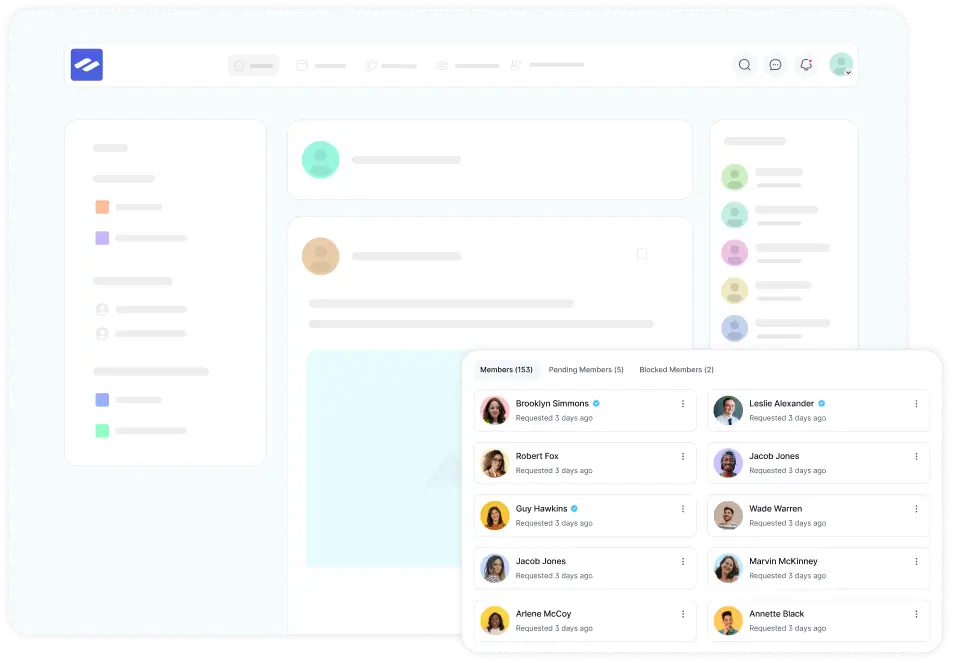
The plugin brings together the features covered in this guide in one place. You can organize your community into spaces, run an activity feed with discussions, and give members profiles, private messaging, and searchable directories. For engagement, it includes leaderboards, reactions, GIFs, and emojis, while the built-in course tools let you add a course directory, progress tracking, and lesson discussions. Members can also switch between dark and light mode for a comfortable reading experience.
Because it runs on WordPress, FluentCommunity also fits naturally alongside other tools in your website stack, including other Fluent plugins. Moreover, its pricing is based on the number of sites rather than the number of members, so your costs do not climb every time your community grows. Both annual and lifetime licenses are available, and every plan includes the same features.
Final Thoughts
An online community management platform is more than a piece of software. It is the foundation on which your members build relationships, share knowledge, and feel a sense of belonging. Choosing well saves you from painful migrations, rising costs, and scattered conversations later on.
Above all, remember that the platform supports the community, not the other way around. The best tool gets out of the way and lets real connections happen. So take your time, test your options, and build a space your members will be glad to call home.
Ready to build a community you truly own? Explore FluentCommunity and see how a WordPress-based platform can bring your members, courses, and conversations together in one place.
Want to create an online course in WordPress? Check out our guide on creating an online course.

Prema Anjum
My full name is Anzuman Ara Chowdhury. But people know me as Prema Anjum. I’m a Digital Marketer by profession, a WordPress community contributor, and a travel enthusiast by heart.
Add your first comment to this post