

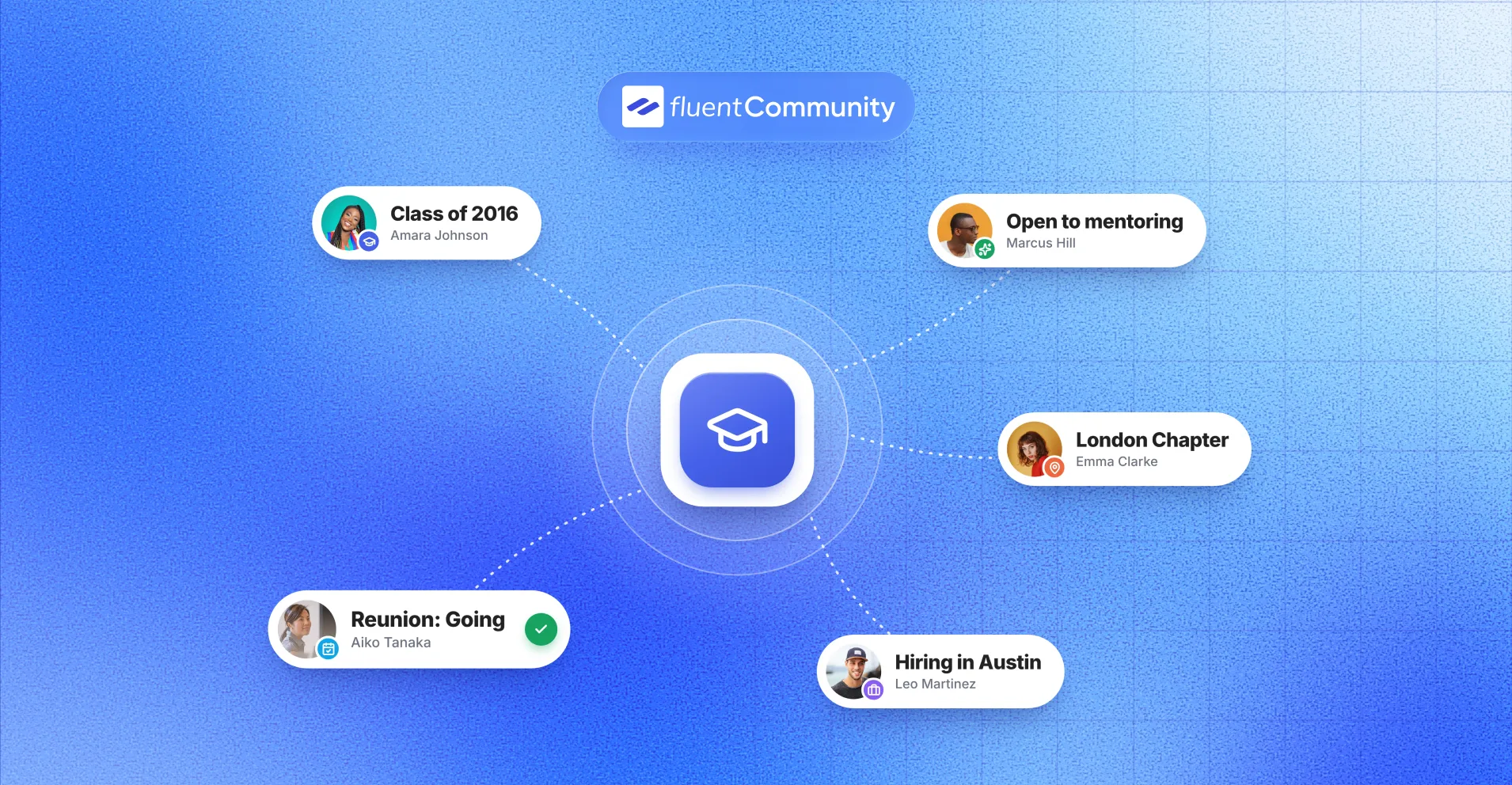
How to Create an Alumni Community Platform With WordPress

Table of Content
Subscribe To Get
WordPress Guides, Tips, and Tutorials


Graduation day ends with hugs, photos, and promises to stay in touch. Two years later, the group chat is silent and nobody knows who works where. An alumni community platform fixes that.
This guide covers what one needs, why WordPress is a smart home for it, and how to build yours step by step with FluentCommunity.
Key Takeaways
- An alumni community platform gives former students, members, or employees a private place to find each other, talk, and meet up.
- Most alumni networks fade because people don’t feel connected and the teams running them are small.
- Careers, mentoring, and events are what bring alumni back, and the research backs that up.
- WordPress lets you own your alumni directory and data instead of renting a social group.
- FluentCommunity covers the directory, private spaces, chat, events, and email digests in one plugin, with a free version to start.
What an Alumni Community Platform Is
An alumni community platform is an online space where former students, members, or employees can find each other, talk, attend events, and stay connected to the organization they came from.
In simple terms, it’s a private social network for people who share a history. Think of it as the reunion that never ends, minus the name tags and the awkward buffet line.
A good one has a few parts working together:
- A searchable directory of alumni profiles
- Groups for class years, chapters, or interests
- Events and reunions with RSVPs
- Messaging, chat, and discussion threads
- Email updates that pull quiet members back in
Who Runs Alumni Communities Today
It’s not just universities anymore. Here’s who builds alumni networks now:
- Schools, colleges, and academies running class years, chapters, and reunions
- Bootcamps and course creators whose graduates want job leads and peer support
- Companies building corporate alumni networks for former employees
- NGOs, fellowships, and clubs keeping past volunteers and cohorts close
- Associations and certificate programs with past members
The company side is growing fast. ADP Research found that boomerang employees, people who return to a former employer, made up 35% of new hires in March 2025, up from 31% a year earlier. A company that stays in touch with former staff has a warm talent pool waiting.
Why Most Alumni Networks Go Quiet
Here’s the honest truth. Most alumni groups start strong and fade within a year. The numbers explain why:
- CASE’s 2025 alumni engagement study of 398 institutions found a median engagement rate of just 14.7%.
- In RNL’s 2025 National Alumni Survey of more than 50,000 alumni, less than one-third of any generation feel “very connected” or “connected” to their alma mater.
- Gravyty’s 2025 State of Alumni Engagement report found that 55% of alumni engagement teams have three or fewer people.
So most alumni don’t feel connected, and the team trying to connect them is tiny. That’s the real problem an alumni network platform has to solve.
The upside? In the same Gravyty report, 78% of teams rated a virtual alumni platform as effective. When it’s set up well, it works.
The Rented Platform Problem
Many organizations start with a Facebook or LinkedIn group because it’s free and quick. Honestly, that’s fine for week one.
But you don’t own the member list. You can’t build a proper directory with graduation years and job titles. You can’t email members directly, and the feed decides who sees your posts. If the platform changes its rules, your community changes with it.
What Alumni Actually Want
Here’s the good news. Alumni do want something from you, and it’s specific.
In RNL’s survey, networking and professional development opportunities would make 36% of alumni more likely to engage. For Gen Z, that jumps to 62%. Mentoring current students or recent graduates came next at 34%, and 54% for Gen Z.
Gravyty’s research points the same way. Alumni rank career support and networking as the two most valuable services. Yet nearly 60% of engagement teams don’t run a formal mentoring program.
Put simply, people show up for careers, connections, and a chance to help. A newsletter alone won’t do it.
Why Build Your Alumni Community Platform on WordPress
You really have three paths: a free social group, a SaaS alumni platform, or a community plugin on your own WordPress site.
Dedicated alumni platforms like Graduway, Hivebrite, and Almabase are built for large advancement offices. Many of these vendors ask you to book a demo before you see pricing. That works for a big university with a dedicated team. It’s a stretch for a small school, a bootcamp, or a nonprofit.
WordPress sits in a sweet spot. You get a real community on your own domain, and the data lives in your own database.
| What matters | Social media group | SaaS alumni platform | WordPress + community plugin |
| Who holds member data | The social network | The vendor’s servers | Your own database |
| Directory with custom fields | No | Yes | Yes |
| Your branding and domain | No | Varies by plan | Yes |
| Pricing model | Free | Usually quote-based subscription | Plugin license plus hosting |
| Same login as your main site | No | Needs an integration | Yes |
| Email members directly | No | Yes | Yes, with a CRM plugin |
In practice, your members and posts move with you if you change hosts, alumni use the site you already run, and you pay for a license and hosting instead of a fee for every new member. The trade-off? You handle hosting and updates. With a decent managed WordPress host, that’s a small job, but it’s yours.
Must-Have Features for an Alumni Network Platform
Before you pick any tool, check it against this list. Each item ties back to what alumni told researchers they want.
A Searchable Alumni Directory
The directory is the heart of everything. Alumni want to answer questions like “Who from my year works in finance in Austin?” That needs profiles with graduation year, program, company, role, and city, plus privacy controls for each field.
Groups for Class Years, Chapters, and Interests
One giant feed gets noisy fast. Separate spaces for “Class of 2018,” “London Chapter,” or “Alumni in Tech” keep conversations relevant, so members actually read them.
Controlled Access
You need to know who’s getting in. Look for member approval, invite-only groups, and private spaces. Otherwise random signups flood your directory and real alumni lose trust.
Events and Reunions
Reunions, webinars, and local meetups give people a reason to log in on a specific date. Your platform should handle RSVPs and calendar adds, not just a link to another site.
Mentoring and Career Help
Since networking and mentoring top the wish list, you need a home for job posts, referrals, and a clear “I’m open to mentoring” signal on profiles.
Chat, Messaging, and Email Digests
Private messages build one-to-one relationships. Email digests bring back people who don’t check the site daily. That still matters, because 69% of alumni in RNL’s survey value email for staying informed and connected.
Files, Learning, Recognition, and Reports
Reunion photos, chapter guidelines, and short courses make the platform useful, not just social. Leaderboards and badges reward your most active members. Reports show you what’s working and what isn’t.
How These Features Map to the 4 Modes of Alumni Engagement
CASE measures alumni engagement in four modes. Here’s how platform features line up with each one, along with CASE’s 2025 median rates:
| CASE engagement mode | What it means | Features that support it | 2025 median rate |
| Communication | Alumni read and respond to you | Announcements, email digests, notifications | 11.57% |
| Experiential | Alumni attend and take part | Events, reunions, discussions, courses | 4.31% |
| Philanthropic | Alumni give money | Impact stories, giving updates, payment forms | 3.29% |
| Volunteer | Alumni give time | Mentoring spaces, chapter leaders, moderators | 0.74% |
Rates are medians for CASE’s three-year cohort of 271 institutions.
Look at that volunteer number. Under 1%. That’s where a community platform can do the most good, because RNL found 36% of alumni volunteers feel “very connected” to their alma mater, compared with just 5% of non-volunteers. Give alumni a job to do, and they stay.
Why FluentCommunity Is the Best Alumni Community Platform for WordPress
So which tool covers that checklist without stacking five plugins together? For most WordPress sites, it’s FluentCommunity.
FluentCommunity is a community and course plugin for WordPress, built by WPManageNinja. It runs as an app-like portal on your own site. The free version on WordPress.org has 8,000+ active installs, and the Pro version adds advanced features.
Here’s how it lines up with the alumni checklist:
| Alumni need | FluentCommunity feature | Plan |
| Searchable directory | Member Directory with search, sorting, and view controls | Free |
| Rich alumni profiles | Custom Profile Fields with per-field visibility | Pro |
| Class year and chapter groups | Unlimited Spaces, grouped in the sidebar | Free |
| Controlled access | Public, Private, and Secret spaces, join requests, invitations, user approval | Free |
| Reunions and meetups | FluentEvent add-on with RSVPs and a calendar view | Free add-on |
| Conversations | Posts, comments, polls, real-time chat, space group chat | Free |
| Staying in touch | Email digest, notifications, announcement email preferences | Free |
| Shared files | Document Library inside spaces | Pro |
| Lifelong learning | Courses, drip content, quizzes, certificates | Courses free, quizzes and certificates Pro |
| Recognition | Leaderboard and user badges | Pro |
| Mobile access | Installable Progressive Web App (PWA) | Pro |
| Reporting | Insights reports for members, content, and courses | Free |
A few things make it a strong fit for alumni work in particular:
- It plays well with the Fluent stack. FluentCRM handles list imports and segmented email, Fluent Forms handles custom registration, and FluentCart handles paid spaces if you run a paid alumni membership.
- It has an upgrade path for older sites. FluentCommunity includes migration from BuddyPress and BuddyBoss, which many legacy WordPress alumni sites still run on.
- It keeps your data at home. Profiles, posts, and messages sit in your WordPress database, not on someone else’s servers.
What FluentCommunity Does Not Do
Honesty helps you plan. FluentCommunity is a community and learning platform, not a full fundraising system. Out of the box, it doesn’t include:
- Donor records and gift processing like an advancement CRM
- An automatic mentor-matching engine
- A dedicated job board with application tracking
You can cover most of this with spaces, topics, and forms, as the steps below show. If you manage thousands of donors, keep your fundraising CRM and use FluentCommunity as the place where alumni actually interact.
Want to see it for yourself? Install the free version and set up one class-year space this week. It takes less time than planning a reunion menu.
Step-by-Step: Building Your Alumni Community Platform With FluentCommunity
Here’s the full build, in the order I’d do it. Each step is small. Together, they take you from a plain WordPress site to a live alumni network.
Step 1: Decide Who Gets In and What Success Looks Like
Write down three things before you touch a plugin:
- Who qualifies: graduates only, or also former staff, parents, and current students
- Your main goal for year one: reunions, mentoring, job referrals, or giving
- One number to track, like “300 active alumni by June”
This sounds basic. But it shapes every setting that follows, from directory privacy to the spaces you create.
Step 2: Prepare Your WordPress Site and Hosting
You can run the community on your main site at a path like /alumni, or on a separate install at a subdomain like alumni.yourschool.org.
FluentCommunity’s FAQ recommends PHP 8.1 or newer, MySQL 8.0+ or MariaDB 10.5+, Redis for object caching, and at least 2 CPU cores with 4 GB of RAM. Shared hosting can handle a small pilot. Once a reunion invite goes out to thousands, a managed WordPress host is the safer bet.
Step 3: Install FluentCommunity and Run the Setup Wizard
- In your WordPress dashboard, go to Plugins > Add New.
- Search for “FluentCommunity,” then click Install and Activate.
- Follow the setup wizard to configure your community portal.
- Work through the Getting Started Checklist, which was added in version 2.14 to walk new admins through the first tasks.
- Activate your Pro license if you want custom profile fields, badges, or the installable app.
Step 4: Brand the Portal So It Feels Like Home
Add your logo, brand colors, and favicon, and pick a light, dark, or system color mode.
Use your school, company, or nonprofit colors. Alumni should feel like they’re coming back to a familiar place, not signing up for one more random app.
Step 5: Build Alumni Profiles With Custom Profile Fields
This is where your alumni platform becomes truly useful. With Custom Profile Fields (Pro), you can add fields like these:
- Graduation year (select)
- Program, major, or team (select)
- Current company and job title (text)
- City and country (text)
- LinkedIn profile (URL)
- Open to mentoring? (radio)
Supported field types are text, select, radio, date, and URL. You can group fields into sections, like “Alumni Details,” and set each field to public, logged-in members only, or admin-only.
Privacy tip: make career details visible to logged-in members only, and keep anything sensitive, like a student ID or date of birth, admin-only. Our guide to custom profile fields in FluentCommunity explains each option.
Step 6: Lock Down the Member Directory
Open Settings, then Privacy Settings, and find “Who can view all members page?” You’ll see three options: Everybody, Only logged-in members, and Only Admin/Moderators.
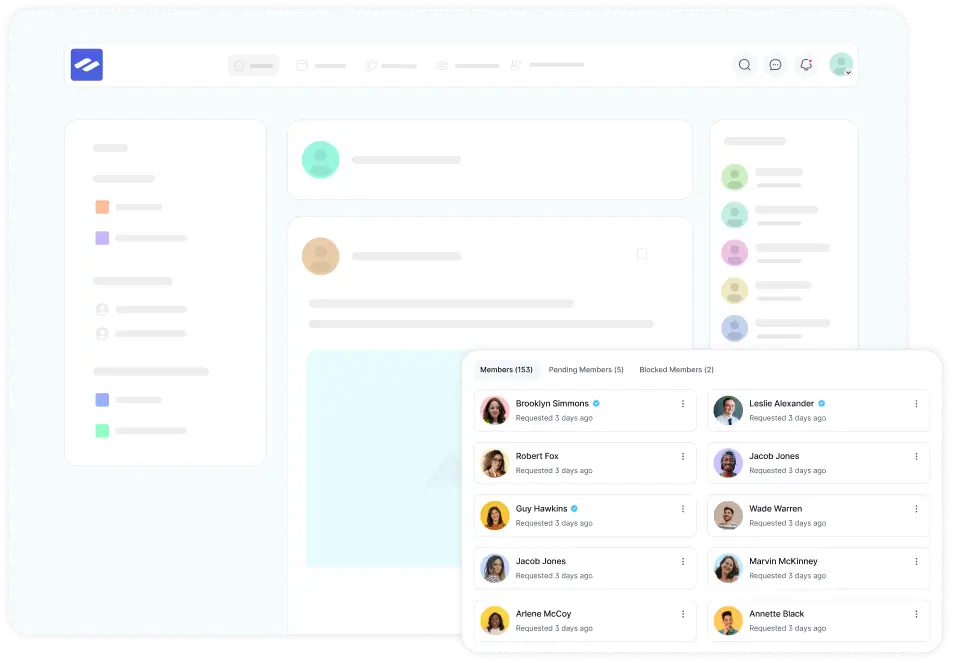
For most alumni networks, choose Only logged-in members. Alumni can find each other, but outsiders can’t browse your graduates. Members can search by name, username, or profile keywords and sort by joining date, last activity, or display name. The member directory docs cover every option.
Step 7: Map Out Your Spaces
Spaces are the rooms of your community. Use the Menu Group setting to group them in the sidebar, so the layout stays clean. Here’s a starter structure that works for most alumni networks:
| Sidebar group | Spaces | Privacy |
| Start Here | Welcome and Introductions, Announcements | Public |
| Class Years | Class of 2015, Class of 2016, and so on | Private with join requests |
| Chapters | New York, London, Online | Private with join requests |
| Careers | Jobs and Referrals, Mentoring Circle | Public |
| Give Back | Volunteers, Alumni Board | Secret |
A few space settings make a big difference:
- Turn on “Only admin or moderators can create post” for Announcements
- Add Jobs, Internships, and Referrals topics to the careers space, then require a topic on every post
- Turn on group chat for chapter spaces so local alumni can plan meetups
- Enable the Document Library (Pro) in class-year spaces for reunion photos and old yearbooks
Don’t create 40 spaces on day one. Start with five to eight. Add more when members ask for them. The space settings docs explain each privacy level.
Step 8: Control Who Gets In
You have three good options, and you can mix them:
- Join requests: Private spaces show a lock screen, and admins or moderators approve requests from the space’s Members tab
- Invitations: Secret spaces stay hidden and open only by invitation or direct link, which suits an alumni board
- Custom registration: connect Fluent Forms to build a signup form that asks for graduation year, creates the user, and adds them to the right space
FluentCommunity also includes user approval, so you can review new accounts before they show up in the directory. Keep the signup form short. Name, email, and graduation year are plenty to start.
Step 9: Import Your Existing Alumni List
Most alumni offices already have a spreadsheet. Here’s how to turn it into members without adding people one by one:
- Import the CSV into FluentCRM from Contacts > Import.
- Tag each contact by class year, like “Class of 2016.”
- In FluentCommunity, open access management for FluentCRM tags and map each tag to its class-year space.
- Check “Sync this tag with Space/Course access” so tagged contacts join automatically.
- Turn on “Create User in WordPress” so contacts without an account get one.
After that, anyone who gets a tag joins the matching space, and anyone who loses it is removed. If contacts were tagged before you set up the mapping, the FluentCRM tag access docs show how to bring them in.
One important rule: only import people who agreed to hear from you. Send a friendly welcome email that explains what the community is and how to opt out. A surprise account is a bad first impression, and it can create privacy problems depending on where your alumni live.
Step 10: Host Reunions and Meetups With FluentEvent
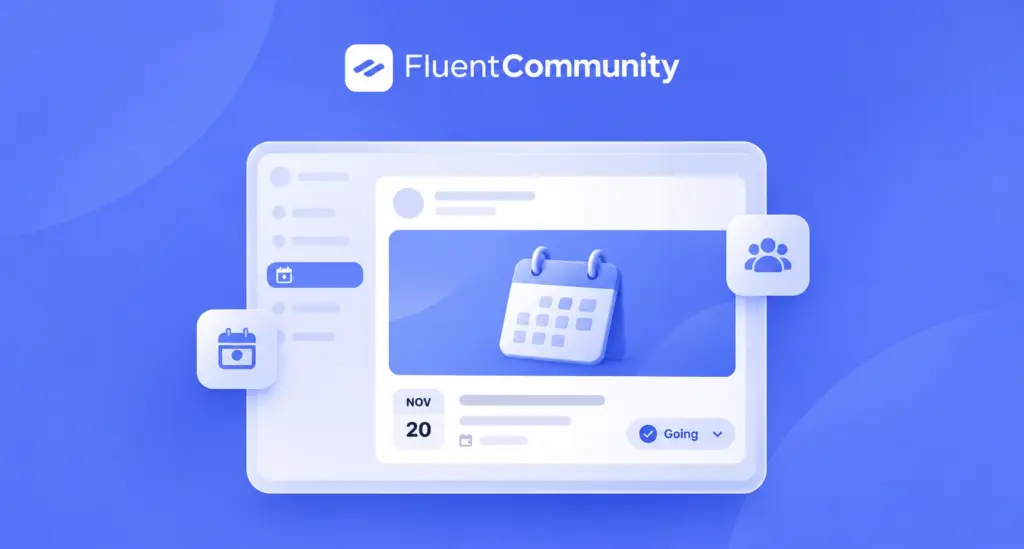
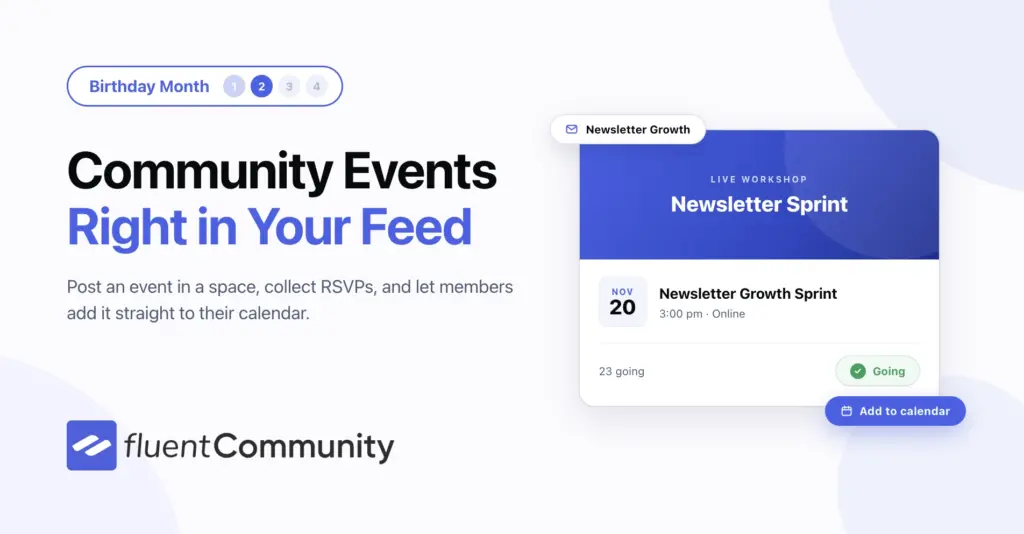
FluentCommunity 2.14 added community events through FluentEvent, a free add-on. On Pro, you turn it on from Settings > Features & Addons. On the free version, you download the zip and upload it.
Each event is a post inside a space, so the space’s privacy applies. A Class of 2016 reunion stays visible only to that class. With FluentEvent, you can:
- Host online with a meeting link, or in person with a venue and address
- Require RSVPs, allow open joining, or just share the details
- Show a countdown, guest count, and Add to Google Calendar button
- Browse events in list, card, or calendar view
Only admins and community managers can create events, which keeps the calendar tidy. Read our full guide to hosting community events in WordPress.
Step 11: Set Up Mentoring and Career Support
There’s no automatic matching engine, but a simple setup works well:
- Use the “Open to mentoring?” field from Step 5 so mentees can spot mentors
- Create a Mentoring Circle space where mentees post what they need
- Keep job posts in the careers space with required topics
- Run a monthly “Ask an Alum” session as an online event
Gravyty’s research found that 48% of alumni have been a mentor at some point. The willingness is already there. You just need to give it a home.
Step 12: Launch With a Founding Group, Then Open the Doors
Don’t launch to 10,000 people at once. An empty feed scares people away. Try this instead:
- Invite a founding group of 20 to 50 active alumni, like class reps and chapter leaders.
- Ask each one to post an intro and one useful thing, such as a job lead or an old photo.
- Schedule your first event two to three weeks out.
- Email the wider list a few weeks before a reunion or homecoming, when interest is naturally high.
Turn on the email digest so quieter members get a summary instead of silence. With Pro, enable the Progressive Web App so alumni can add the community to their phone’s home screen and open it like an app.
Alumni Engagement Ideas for Your First 90 Days
A platform only works if there’s a reason to visit. These ideas work for schools, companies, and nonprofits alike:
- A weekly “Where are they now?” spotlight on one alum
- A class notes thread for promotions, moves, weddings, and new babies
- A monthly “Ask an Alum” live session with someone in an interesting role
- Referral Fridays, where alumni share open roles at their companies
- Reunion countdown posts with old photos from the Document Library
- Polls to pick the next meetup city or event theme
- A “first job” story series for recent graduates
- Impact updates showing what donations or volunteer hours achieved
That last one matters more than it looks. RNL found that 66% of alumni rate their alma mater’s ability to show how a gift is used as critical. People give again when they can see what their last gift did.
How to Measure Your Alumni Community
Total sign-ups is a vanity number. A thousand accounts mean little if 20 people post. Track numbers that match CASE’s four engagement modes instead:
- Communication: how many members open announcements and campaign emails
- Experiential: event RSVPs, attendance, and members who post or comment each month
- Volunteer: how many mentors, moderators, and chapter leaders you have
- Philanthropic: giving rates among active community members compared with everyone else
FluentCommunity’s Insights reporting, added in version 2.12, covers members, content, and courses, so you can spot trends without exporting spreadsheets. FluentCRM shows open and click rates for your emails.
Gravyty found that 57% of alumni teams track registered users, but only 50% track active users. Tracking active members puts you ahead of half the field. Check your numbers monthly. If a space hasn’t had a post in 60 days, merge it or give it a host.
Your Alumni Community Starts With One Space
Alumni don’t drift away because they stop caring. They drift because there’s no easy place to stay connected. Fix that, and you get mentors, referrals, full event rooms, and supporters who feel part of something again.
You don’t need an enterprise budget to start. Pick one goal, build one class-year or cohort space, invite your most active alumni, and put one event on the calendar. Then grow based on what members ask for.
FluentCommunity gives you the directory, private spaces, events, chat, and email tools to run it all on your own WordPress site, with your data in your own database. Install the free version from WordPress.org today, or check the FluentCommunity Pro plans if you want custom profile fields, badges, and an installable app from day one.
Frequently Asked Questions
What is the best alumni community platform for WordPress?
For most WordPress sites, FluentCommunity is the strongest fit. It combines a member directory, private spaces, chat, events, email digests, and courses in one plugin, and it keeps alumni data in your own database.
Is there a free alumni community platform?
Yes. FluentCommunity’s free version includes unlimited spaces, member profiles, a directory, real-time chat, and the free FluentEvent add-on. You pay only for hosting. Pro adds custom profile fields, badges, and the installable app.
Can I import my existing alumni list?
Yes. Import your CSV into FluentCRM, tag contacts by class year, and map each tag to a space in FluentCommunity. Tagged contacts join the matching space, and FluentCommunity can create their WordPress accounts.
How do I keep the alumni directory private?
Go to Settings > Privacy Settings and set “Who can view all members page?” to Only logged-in members. Then set sensitive profile fields to admin-only.
Can a company use this for a corporate alumni network?
Yes. Swap class years for departments or office locations, use a Secret space for rehire conversations, and run a referrals space. With boomerangs making up 35% of new hires in March 2025, according to ADP, former employees are a real hiring channel.
Do alumni need to download an app?
No. The portal works in any mobile browser. With FluentCommunity Pro, you can enable the Progressive Web App so members can install the community on their home screen.

Ashik Elahi
Ashik Elahi is a seasoned Digital Marketing Strategist with a passion for Content Marketing. He believes in the power of storytelling and crafting valuable content that resonates with readers.
Add your first comment to this post