

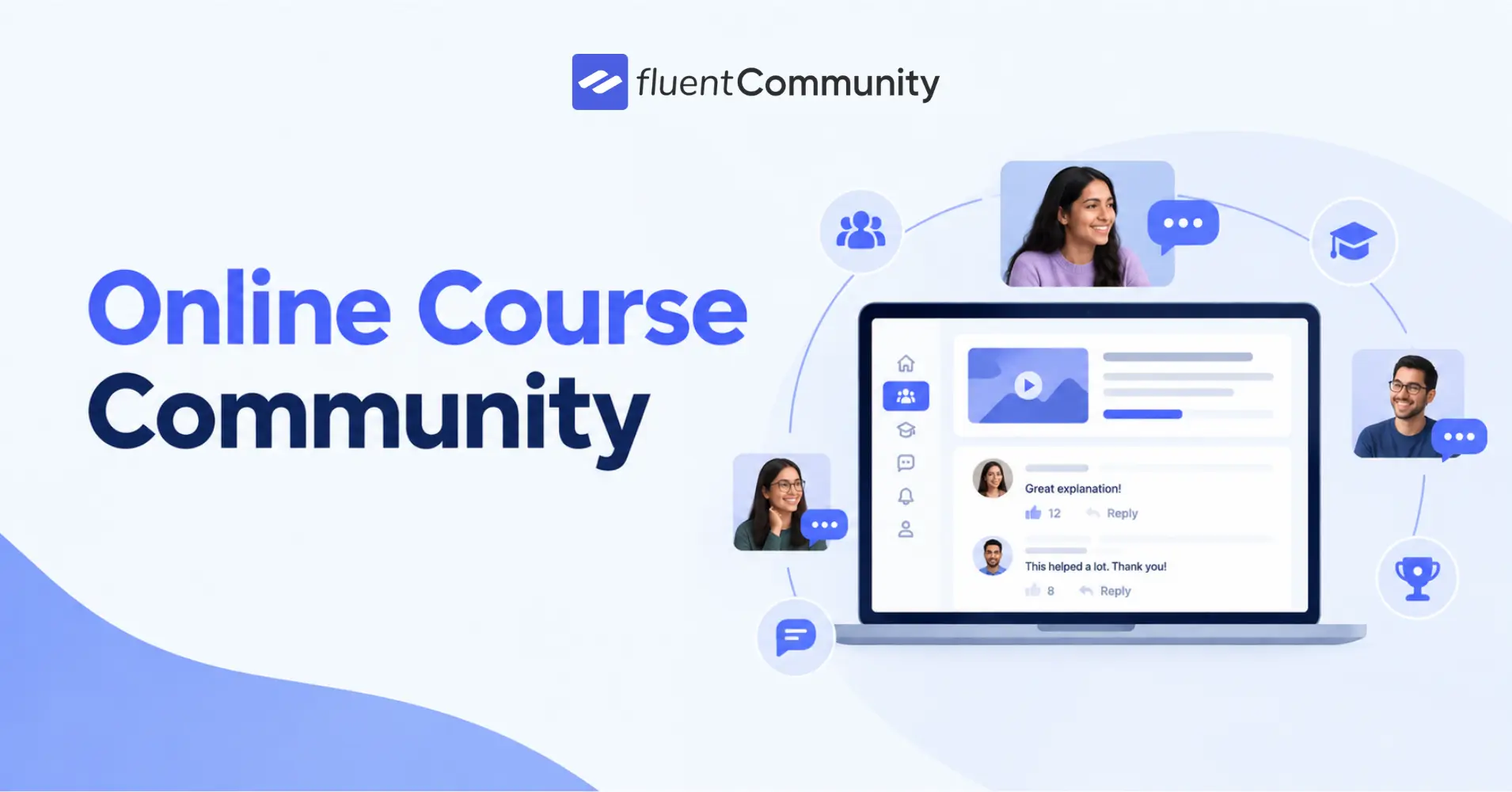
Why Course Creators Need an Online Course Community

Table of Content
Subscribe To Get
WordPress Guides, Tips, and Tutorials


Most course platforms stop at video hosting and quizzes, and that’s exactly where they fail your students. The moment someone finishes a lesson and closes the tab, the learning experience ends too. No peer to compare notes with, no instructor to ping with a quick question, no sense that anyone else is on the same journey. That silence is why completion rates on standalone LMS tools stay embarrassingly low, no matter how good the video content is.
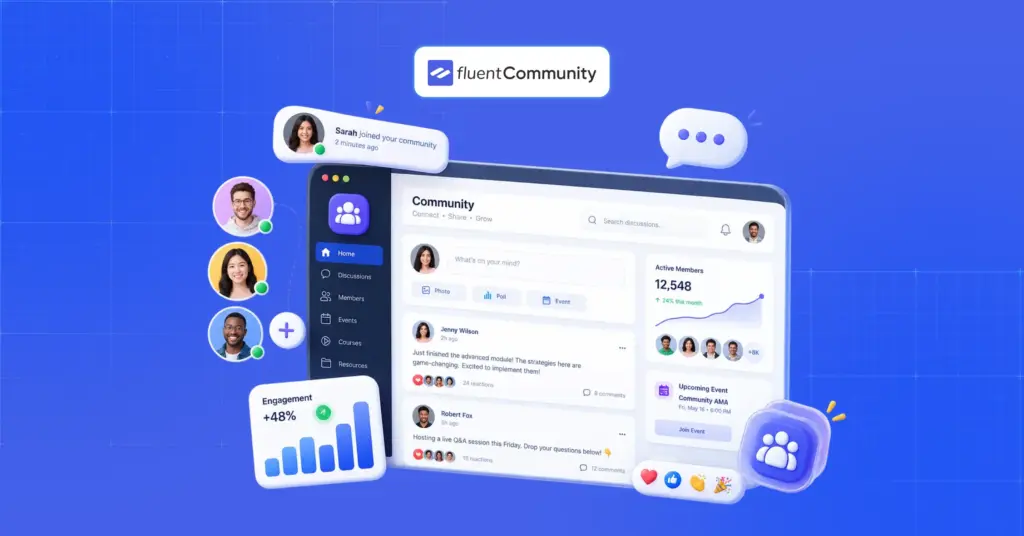
An online course community fixes this by wrapping your curriculum in the same kind of connection that makes in-person classes work: discussion, feedback, and a shared space students actually want to return to. FluentCommunity, the WordPress-based community plugin from WPManageNinja, was built specifically to close this gap. Instead of bolting a forum onto your course, it gives you a single, self-hosted hub where lessons, conversations, and relationships live together.
In this guide, we’ll walk through what an online course community actually looks like inside FluentCommunity, which features matter most for creators and students, and how the platform compares on cost to the SaaS tools you might already be considering.
What Makes an Online Course Community Different From a Regular LMS
A traditional LMS is built around one-way delivery. You upload the material, and students consume it. As a result, engagement tends to flatline after the first module, since there’s nowhere for curiosity or confusion to go. An online course community flips that structure. Students can ask questions openly, compare progress with classmates, and get help before frustration turns into a refund request.
Ultimately, this shift from passive viewing to active participation is what keeps a cohort moving forward together instead of drifting apart module by module.
FluentCommunity brings this structure directly into WordPress, so course creators aren’t juggling a separate app, a separate login, and a separate subscription just to keep students talking. Because everything sits on your own site, you also keep full ownership of the data and the relationship. Something SaaS community tools rarely offer without a premium tier.
Furthermore, since the community and the course content share the same login and the same dashboard, students never have to decide whether today’s question belongs in the classroom or in a separate forum; it all lives in one place by default.
Real-Time Discussions and Peer Learning
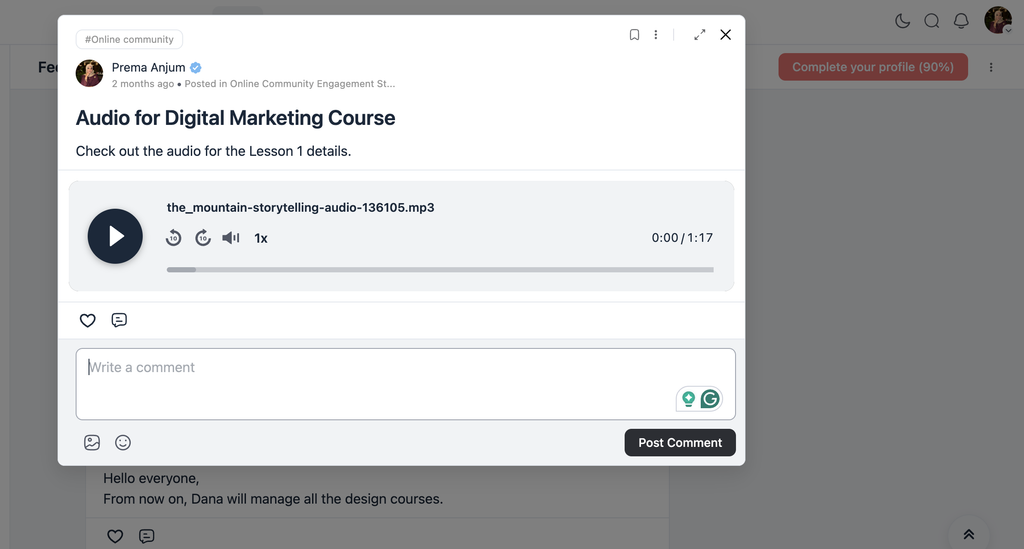
At the center of FluentCommunity’s approach is real-time discussion. Students can start threads, reply to classmates, and form study groups without ever leaving the course environment. This matters more than it might sound: peer explanation is often more effective than instructor explanation, simply because a fellow student remembers what it felt like to be confused by the same lesson. Additionally, because these discussions happen in real time rather than through a delayed support ticket, momentum rarely has a chance to stall.
Meanwhile, course-specific spaces keep these conversations organized by topic or cohort, so a question about Module 3 doesn’t get buried under chatter about Module 9. As a result, students spend less time hunting for relevant answers and more time actually applying what they’ve learned.
Over time, this kind of peer learning also surfaces the questions instructors didn’t think to answer in the course itself, which naturally points to where the curriculum needs a second look.
Direct Instructor Feedback and Private Messaging
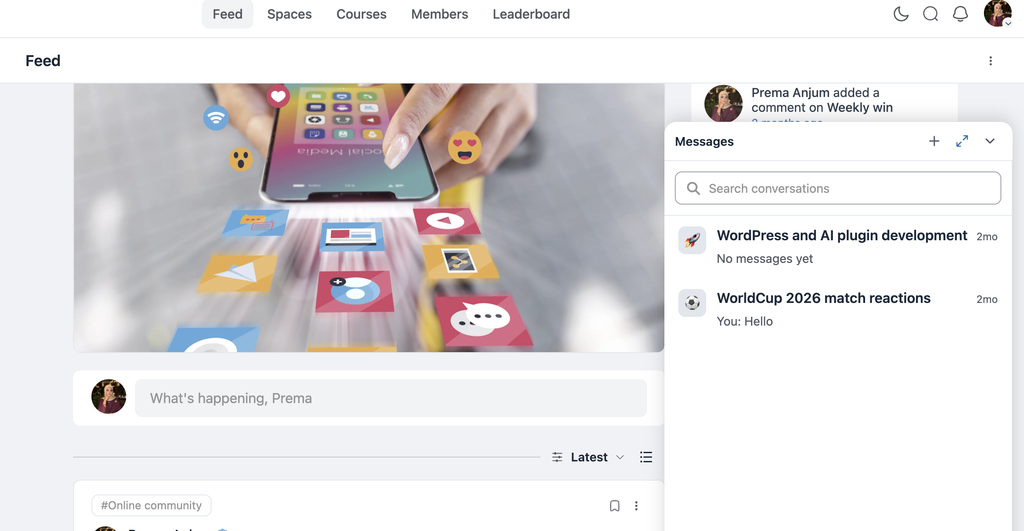
Beyond peer discussion, FluentCommunity gives instructors a direct line to their students through private messaging and comment threads on shared content. This is particularly valuable for feedback-heavy courses, cohort-based programs, writing courses, or anything where a student needs a personal nudge rather than a generic FAQ answer.
Since the messaging system lives inside the same platform as the coursework, instructors don’t need to check three different inboxes to stay on top of student questions. Therefore, response times improve, and students feel seen rather than left to figure things out alone. In turn, that faster feedback loop tends to reduce refund requests, since most cancellations happen when a student feels stuck and unheard rather than when the material itself is weak.
Member Profiles, Directories, and Notifications That Keep Students Coming Back
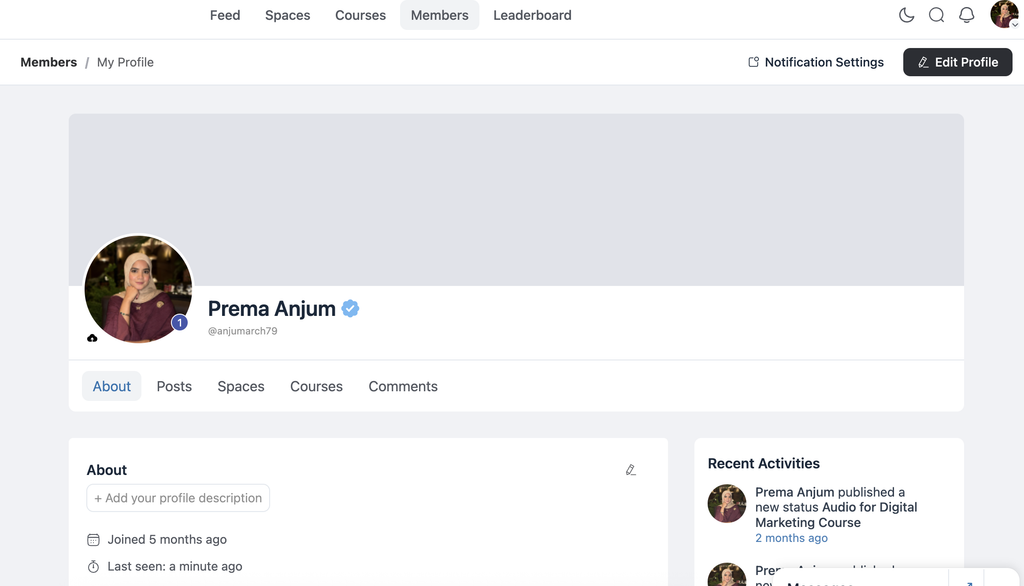
An online course community only works if people can actually find each other. FluentCommunity handles this with complete member profiles, activity tracking, and a searchable member directory, so students can see who else is in the cohort, what they’re working on, and how to connect with them directly. This is especially useful in larger cohorts, where students might otherwise never discover the one classmate working on a nearly identical project.
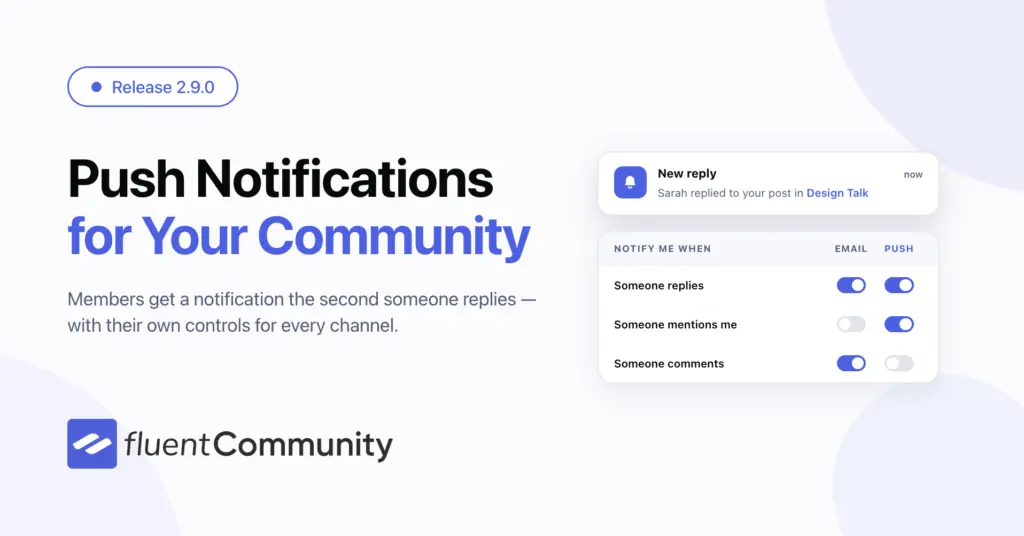
On top of that, built-in notifications alert members whenever there’s new activity, a reply, a mention, or a new resource, which pulls people back into the community instead of letting momentum die between live sessions. Consistent, low-friction reminders like this are often the difference between a course that finishes strong and one that quietly loses half its students by week three.
Gamification: Leaderboards, Reactions, and a Bit of Fun
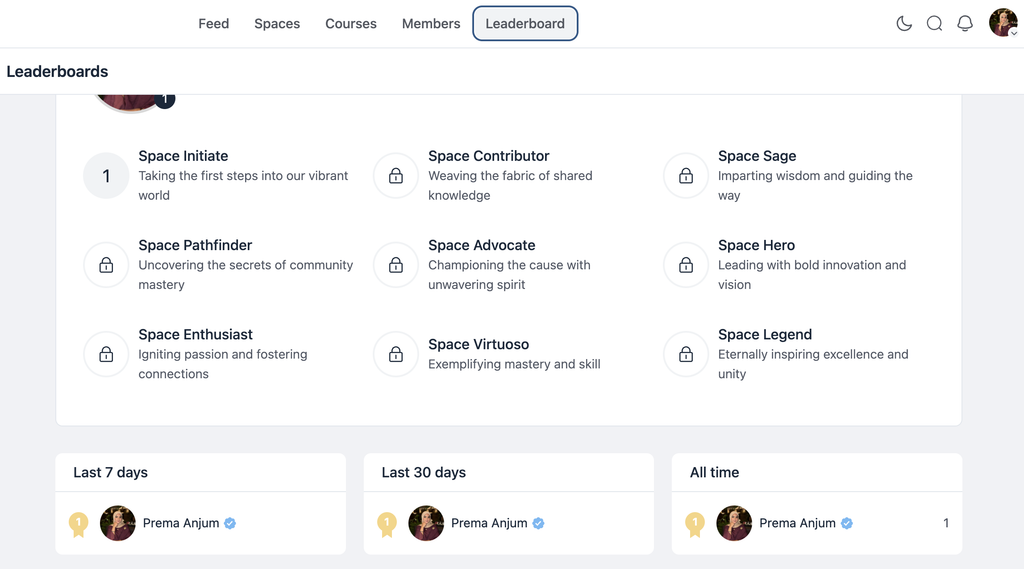
Engagement tools don’t need to be complicated to work. FluentCommunity includes leaderboards, emoji reactions, GIF support, and comment threads that make participation feel rewarding rather than obligatory. A leaderboard, in particular, taps into a light competitive instinct that encourages students to show up, post progress, and help others. All of which strengthens the community around your course rather than around you alone.
Additionally, these small interactive touches make the space feel alive even between scheduled lessons, which is exactly when most course platforms go quiet. Even a simple reaction or a well-timed GIF signals that someone is paying attention, and that small acknowledgment is often enough to keep a hesitant student posting instead of lurking silently in the background.
Beyond the Course: Group Coaching, Masterminds, and Alumni Networks
The use cases extend well past the original course window. Group coaching programs can use FluentCommunity to create a dedicated space for student interaction and coach feedback, while certification programs and mastermind groups can spin up private, gated spaces for graduates to keep networking long after the last lesson wraps.
Given how easily these spaces can be duplicated across sites, a single creator can run several distinct communities, one per program, without paying for a separate tool each time.
This extended lifecycle matters for creator businesses specifically, since a thriving alumni community often becomes the strongest source of testimonials, referrals, and upsells for future cohorts. In other words, the community doesn’t end when the course does. It becomes the foundation for everything you launch next.
Consequently, the same space that once housed Module 1 discussions can evolve into a gated mastermind, a referral engine, or simply a home base graduates keep checking long after their certificate arrives.
Cost Comparison: FluentCommunity vs. BuddyBoss, LearnDash, Circle, Patreon, and Tutor LMS
Feature parity is one thing, but pricing is where FluentCommunity draws the sharpest contrast. Annual plans start at $159 for a single site, $319 for five sites, and $559 for fifteen sites, each discounted from their regular price.
Compared against the combined cost of running BuddyBoss, LearnDash, Circle, Patreon, and Tutor LMS side by side, creators can save upward of $4,869 a year, all while keeping everything under one WordPress roof instead of stitching together five separate subscriptions. For a creator managing multiple cohorts or client sites, that multi-site pricing alone often justifies the switch before a single feature comparison even comes into play.
One user summed up the appeal plainly: “A wholesome platform solution where you can provide gated premium content along with community interaction features.” That combination of course delivery and community, under one license, on infrastructure you own, is ultimately what separates FluentCommunity from tools that only solve half the problem.
Otherwise, creators end up paying separately for a course host, a community tool, and a membership plugin, when a single WordPress-based platform can reasonably cover all three.
Final Thoughts
Course completion isn’t really a content problem; it’s a connection problem. Students who feel like part of a group finish more, ask more, and stick around long after the final lesson. FluentCommunity addresses this directly by combining course support with real community infrastructure: discussions, profiles, messaging, gamification, and long-term spaces for coaching and alumni networking, all inside WordPress, where creators already have control.
For anyone comparing SaaS community tools against a self-hosted option, the math is hard to ignore: similar functionality, a fraction of the annual cost, and no dependency on a third-party platform that can change its pricing overnight. If your course has been living on a bare LMS with no room for students to talk to each other, that’s likely the gap holding back your completion rates. Building an online course community around your curriculum, rather than beside it, is what turns a one-time purchase into a lasting relationship with your students.

Prema Anjum
My full name is Anzuman Ara Chowdhury. But people know me as Prema Anjum. I’m a Digital Marketer by profession, a WordPress community contributor, and a travel enthusiast by heart.

Add your first comment to this post