

FluentPlayer Introduction: A Video Player for WordPress That Actually Does What You Need

Table of Content
Subscribe To Get
WordPress Guides, Tips, and Tutorials


Video is everywhere on WordPress. Course lessons, product demos, community content, tutorials- the list keeps growing. And yet, embedding video reliably has always been one of those things that looks simple until it isn’t.
You drop in a YouTube embed. It breaks on mobile. You switch to a plugin. It conflicts with your theme. You add another plugin to fix that. Now you’ve got three plugins doing what one should do. Sound familiar?
That’s the exact problem FluentPlayer is built to solve. FluentPlayer is a WordPress video player plugin from WPManageNinja, the same team behind FluentCommunity, FluentCRM, Fluent Forms, and the rest of the Fluent ecosystem.
It’s built from the ground up to make video work reliably on WordPress. Not just for simple embeds, but for course sites, membership communities, and content businesses that depend on video every day.
It comes with a free plan that gives you more than most players offer by default, and a Pro plan that unlocks the features serious creators actually need: analytics, interactive layers, playlists, and more. This is the full introduction to FluentPlayer. Here’s everything it can do.
FluentPlayer Pricing
Simple, one-time pricing. Every plan is a lifetime license.
Freelancer
5 SitesCovers today’s clients, and next year’s.
One-time · Lifetime license
Studio
25 SitesFor growing studios & multi-brand sites.
One-time · Lifetime license
Agency
50 SitesOne license for every client, forever.
One-time · or $89/mo × 9 months
A Player That Looks Good Right Out of the Box
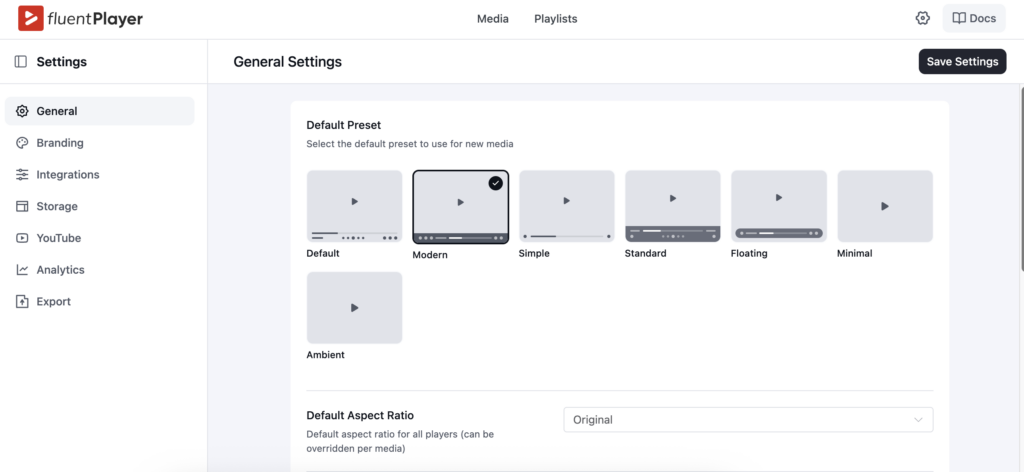
The first thing you’ll notice about FluentPlayer is how clean it looks. Six player presets come with the free plan: Default, Modern, Simple, and Minimal. Each one is responsive, fast, and works across devices. If you’re on Pro, you also get the Ambient preset, which creates a soft color glow around the video using the video’s own colors. It’s subtle, and it looks sharp.
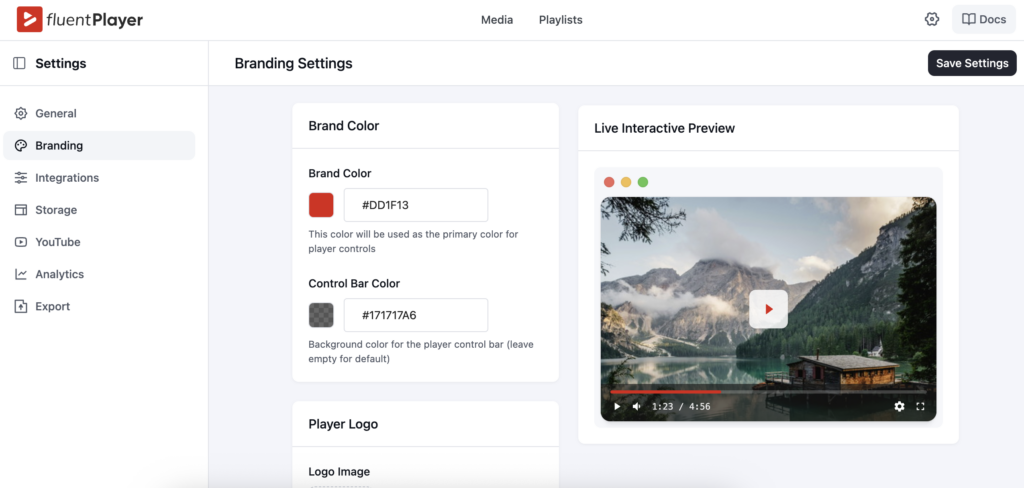
Beyond presets, Custom Branding is available on the free plan. You can set your logo, choose your brand color, and customize the control bar color to match your site. No more generic-looking players that feel out of place. And if you need more control, Pro users can fully customize their player presets to match their brand down to the last detail.
Custom Thumbnail Images and flexible Aspect Ratio settings are also part of the free plan, so you have full control over how each video appears before playback starts.
Works with All the Media Sources You Already Use
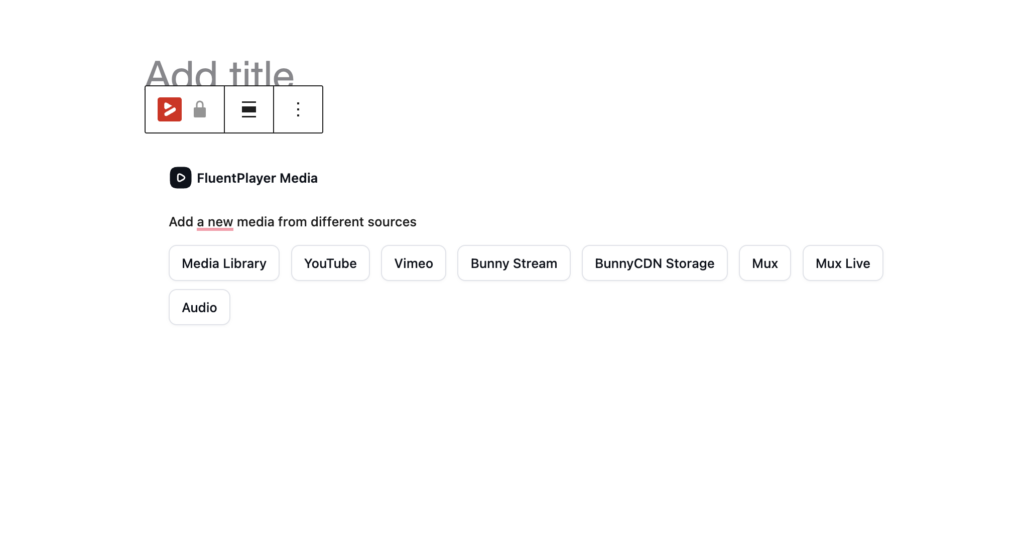
One of the most practical things about FluentPlayer is that it works wherever your video lives.
On the free plan, you can embed videos from YouTube, Vimeo, and self-hosted files. It also handles audio playback natively. That covers most use cases right there.
If you’re on the Pro plan, you additionally get support for BunnyCDN Stream, BunnyCDN Storage, and Mux, three of the most popular options for serious video delivery. HLS streaming is supported as well, which matters if you’re running a high-traffic site or delivering long-form course content that needs reliable performance.
There’s also support for custom external URLs, so if your video lives somewhere else entirely, FluentPlayer handles it without any workaround.
As a result, you don’t need to switch players depending on where your video is hosted. One player, every source.
Playback Controls
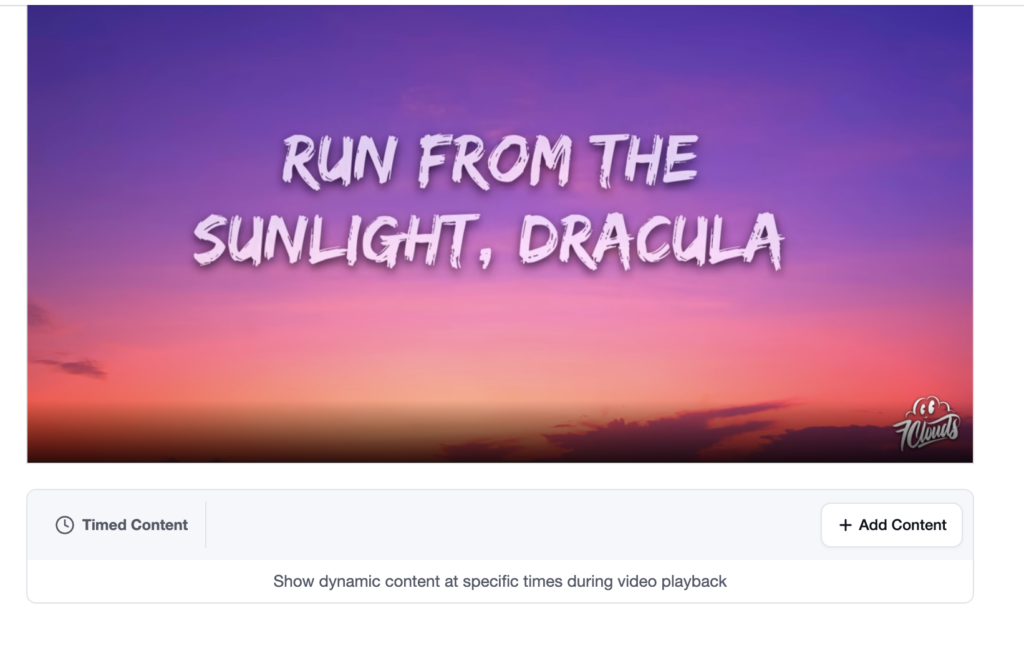
FluentPlayer gets the fundamentals right before anything else. Autoplay works with or without sound, your choice. Videos play inline on mobile, so viewers aren’t thrown into a full-screen player they didn’t ask for.
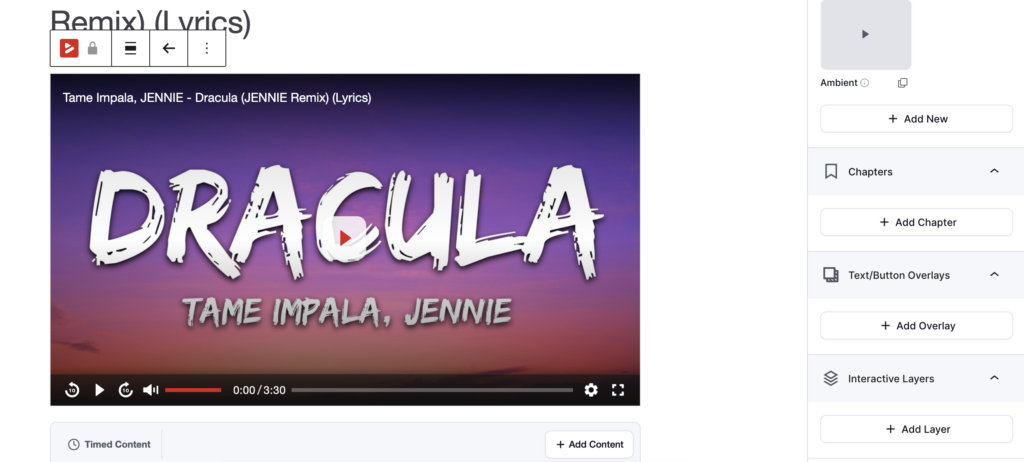
Picture-in-Picture mode is available on the free plan. Speed control lets viewers adjust playback to their preferred pace. Load Strategy and Shortcode support give site owners more flexibility in how the player is deployed across pages.
Then there’s the viewing experience for longer content.
Video Chapters are available on the free plan. You can label sections of your video with timestamps so viewers always know where they are and where they’re going next. For course content, this makes a real difference in how students navigate lessons.
Language Switching, also on the free plan, lets viewers select their preferred language on the fly, useful if your audience spans more than one region.
Subtitles are available on the Pro plan and add accessibility for viewers who need them or prefer to watch without sound.
Remember, Playback Position is a Pro feature that picks up where a viewer left off, across sessions. For course sites, this is close to essential. Nobody wants to scrub through a 40-minute lesson looking for where they stopped.
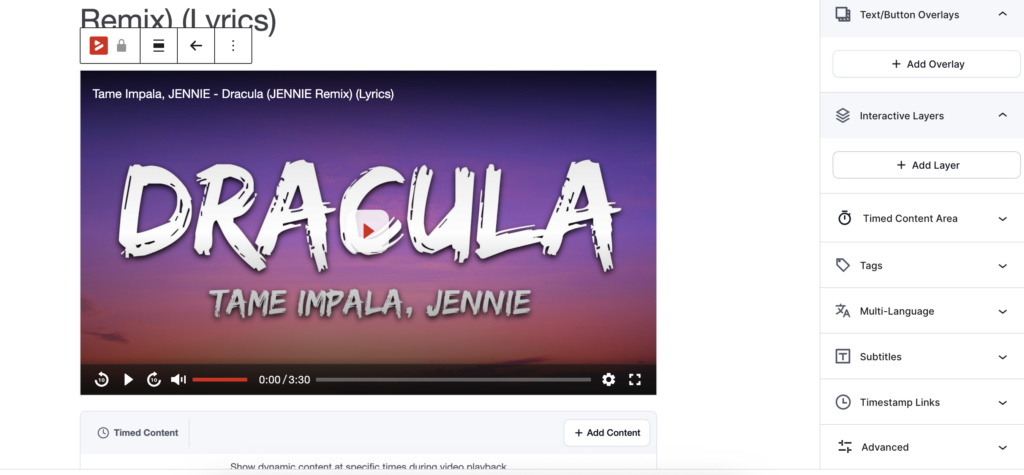
Timed Content is another Pro feature that lets you control when specific video content becomes available. If you deliver your course content in a drip format, this gives you the scheduling control to do it properly.
Title Overlay is available on the free plan for adding context at the start of a video without interrupting playback. Text and Button Overlays are on the Pro plan and let you display messages or clickable calls to action at any point during the video.
AJAX Compatibility is also on the Pro plan, which matters if you’re running a dynamically loaded site where standard page reloads don’t happen.
Interactive Layers: More Than Just a Video Player
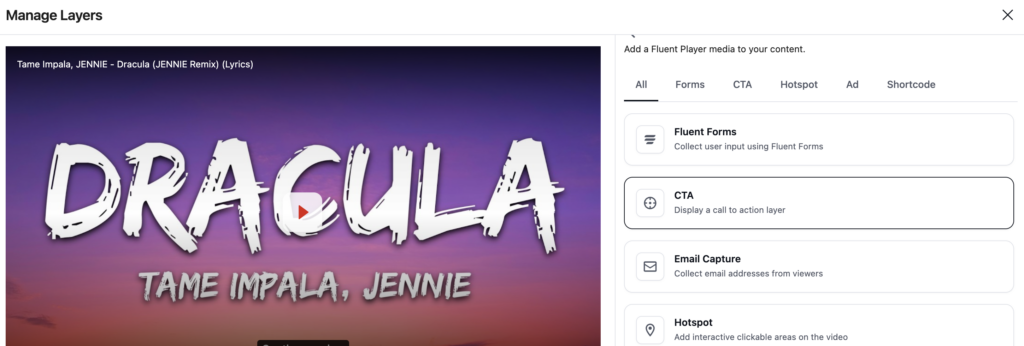
This is where FluentPlayer goes well beyond what most WordPress video plugins offer.
Interactive Layers let you add elements directly inside the video at specific timestamps. Not as pop-ups around the player. Inside it.
On the free plan, you can embed Fluent Forms directly into your video to capture email addresses or other information without sending viewers anywhere else. Don’t use Fluent Forms? Use the default Email Capture layer to collect emails and send them to FluentCRM for free. The moment someone is most engaged is while they’re watching your video. That’s exactly when you want to capture a lead, and FluentPlayer makes it possible without any extra setup.
On the Pro plan, Interactive Layers expand further. You can add CTA banners and clickable hotspots that appear at key moments in the video. You can run ad overlays to monetize your content. And you can use custom shortcodes to embed virtually anything else inside the player at any timestamp.
None of this requires a third-party tool or a separate plugin. It’s all built in.
Built-in Video Analytics
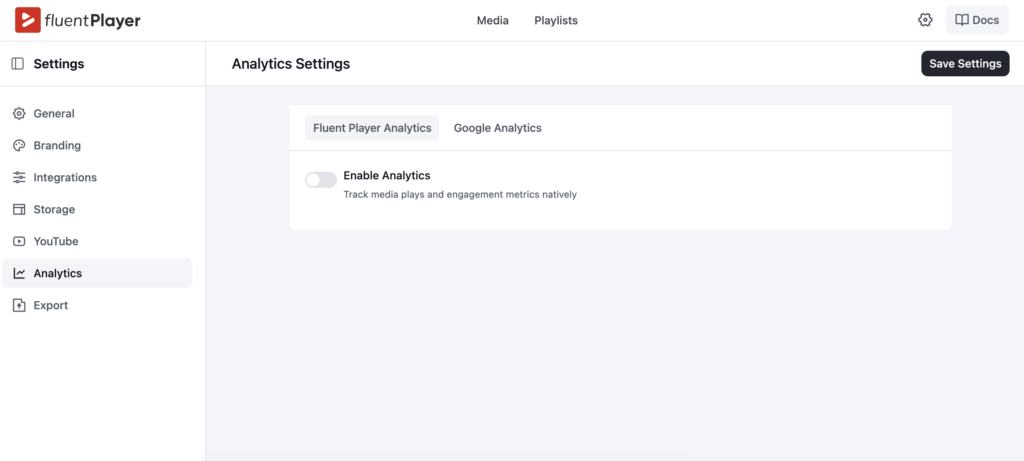
If you’re publishing video regularly, publishing into the void isn’t a strategy.
FluentPlayer’s built-in video analytics are on the Pro plan and give you a real picture of how your content is performing. You can track views, unique viewers, average watch time, and completion rates. Top videos and top users show you what content is landing. Watch time trends reveal how engagement changes over time. Audience retention charts show exactly where viewers drop off inside a video. Location breakdown and device distribution tell you who’s watching and on what.
This is data you’d normally pull from a third-party analytics service. FluentPlayer includes it natively, right alongside your player. No extra setup, no separate dashboard to manage.
Media Tagging (Pro) further helps you organize and categorize your video library as it grows.
Video Playlists
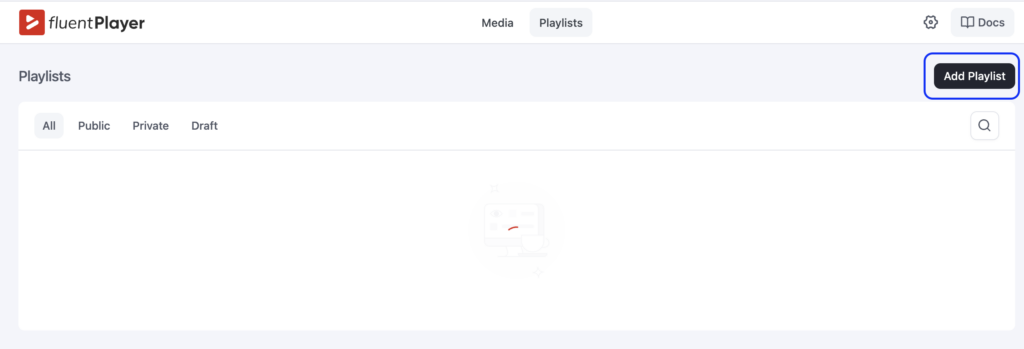
FluentPlayer’s playlist feature is on the Pro plan and does more than just queue videos in a row.
You can choose between Standard and Grid layouts depending on how you want your content displayed. Appearance customization covers color, border, typography, and box shadow, so the playlist fits your site design rather than standing out awkwardly. Whether you’re building a course module, a product tutorial series, or a curated content library, playlists keep things organized and keep viewers moving through your content.
Built for FluentCommunity
If you’re already running a course or community site with FluentCommunity, FluentPlayer slots in naturally as the video layer.
Course lessons get chapter navigation so students always know where they are in the content. Remember, Playback Position picks up right where they left off across sessions. Access control ties directly into FluentCommunity’s membership rules, so only the right members see the right videos- no separate plugin needed.
Email capture via Fluent Forms works inside the video itself and feeds leads straight into FluentCRM without any additional configuration.
This isn’t a third-party integration held together by shortcodes. It’s built to function as one system.
What’s Free, What’s Pro?
FluentPlayer has a genuinely useful free tier.
The free plan includes Autoplay, Inline Mobile Playback, Player Presets (Default, Modern, Simple, Minimal), Custom Branding, Video Chapters, Picture-in-Picture, Multiple Media Sources (YouTube, Vimeo, Self-Hosted Video, Audio), Speed Control, Language Switching, Shortcodes, Load Strategy, Interactive Layers with Fluent Forms integration, Custom Thumbnail Image, Aspect Ratio, and Title Overlay.
The Pro plan adds the Ambient preset and full preset customization, Remember Playback Position, BunnyCDN Stream/Storage and Mux support, Timed Content, Subtitles, AJAX Compatibility, Interactive Layers with CTA banners, Hotspots, Ads, and Shortcodes, full Video Analytics, Text and Button Overlays, Video Playlists with layout and appearance customization, and Media Tagging.
If you’re just getting started with video on WordPress, the free plan covers a lot of ground. If you’re serious about courses, analytics, or lead generation through video, the Pro plan is where the real power is.
Migrating from Presto Player
If you’re currently using Presto Player, FluentPlayer includes a migration tool on the free plan. You can move your videos over without rebuilding your setup from scratch. It’s a practical detail that lowers the barrier if you’re considering a switch.
FluentPlayer Pricing
Simple, one-time pricing. Every plan is a lifetime license.
Freelancer
5 SitesCovers today’s clients, and next year’s.
One-time · Lifetime license
Studio
25 SitesFor growing studios & multi-brand sites.
One-time · Lifetime license
Agency
50 SitesOne license for every client, forever.
One-time · or $89/mo × 9 months
Who is FluentPlayer For?
FluentPlayer is built for WordPress site owners who use video as part of how they run their business. Course creators, community builders, educators, and anyone tired of patching together multiple plugins to get reliable video playback.
If you’re already in the Fluent ecosystem, it makes a lot of sense as the video layer alongside
FluentCommunity, FluentCRM, and Fluent Forms. If you’re starting fresh, the free plan is a clean place to begin, and the Pro plan is there when you need more.
Try FluentPlayer at fluentplayer.com.

Prema Anjum
My full name is Anzuman Ara Chowdhury. But people know me as Prema Anjum. I’m a Digital Marketer by profession, a WordPress community contributor, and a travel enthusiast by heart.


Leave a Reply