

How a Community Platform for Creators Helps You Own Your Audience

Table of Content
Subscribe To Get
WordPress Guides, Tips, and Tutorials


You post every day. Your followers grow. Then one algorithm update hits, and half of your audience stops seeing your work overnight. If that sounds familiar, you have already met the biggest problem in the creator economy: you are building on land you do not own.
Most creators start on social media because it is free and fast. That makes sense in the early days. But as your audience grows, the cracks start to show. Your reach depends on rules you cannot see. Your followers are scattered across feeds, comments, and DMs. And you cannot easily turn those followers into paying members, students, or loyal fans who show up again and again.
This is exactly why more creators are moving to a dedicated community platform. Instead of renting attention from a social network, they build a home base where their audience can gather, talk, learn, and support their work directly.
In this guide, we will break down what a community platform for creators really is, why it matters now, which features actually make a difference, and how to choose between hosted SaaS tools and self-hosted options on WordPress. By the end, you will know how to pick a platform that grows with you instead of holding you back.
What Is a Community Platform for Creators?
A community platform for creators is a dedicated online space where a creator brings their audience together. Think of it as your own private social network, built around your content, your brand, and your members. Instead of posting into a crowded feed, you invite people into a space designed for real conversation and connection.
The difference from social media is simple but powerful. On a social network, the platform owns the relationship and decides who sees what. On a community platform, you set the rules. Members can post, comment, react, join topic-based groups, take courses, and chat with each other, all inside an environment you control.
For creators, this space often becomes the heart of the business. It is where free followers turn into engaged members, where courses and paid memberships live, and where your most loyal fans connect not just with you but with each other. That peer-to-peer connection makes a community feel alive, and a comment section can rarely deliver it.
Why Creators Are Moving Away From Social Media?
The first reason is ownership. When your audience lives on a social network, you are always one policy change, account suspension, or algorithm shift away from losing access to them. A community platform gives you a direct line to your members. You keep the relationship, the conversations, and the data, no matter what happens elsewhere.
The second reason is attention. Social feeds are designed to keep people scrolling, which means your post competes with thousands of others in the same second. Inside your own community, members come specifically to see you and the people they have met there. As a result, conversations go deeper, posts get more thoughtful replies, and members return because they feel part of something.
The third reason is income. Followers are great for visibility, but they are hard to monetize directly. A community platform makes it much easier to offer paid memberships, premium spaces, courses, and exclusive content. Instead of depending only on brand deals or ad revenue, you build recurring income from the people who value your work the most.
Finally, there is the matter of focus. Running a community on your own platform lets you shape the entire experience, from onboarding to the topics members discuss. That control helps you build a culture around your brand, rather than squeezing your community into the format another company chose for you.
Key Features to Look For in a Creator Community Platform
Not every community tool is built with creators in mind, so it helps to know which features actually move the needle. The foundation is a clean activity feed and organized spaces. Spaces let you group members by topic, tier, or interest, so a beginner does not get lost in an advanced discussion, and your premium members get a space that feels truly exclusive.
Next, look for strong engagement tools. Comments, reactions, mentions, and hashtags keep conversations flowing, while polls and surveys give members an easy way to share opinions and help you understand what your audience wants next. Real-time chat is just as important, because it lets members connect privately and builds the kind of relationships that keep people coming back.
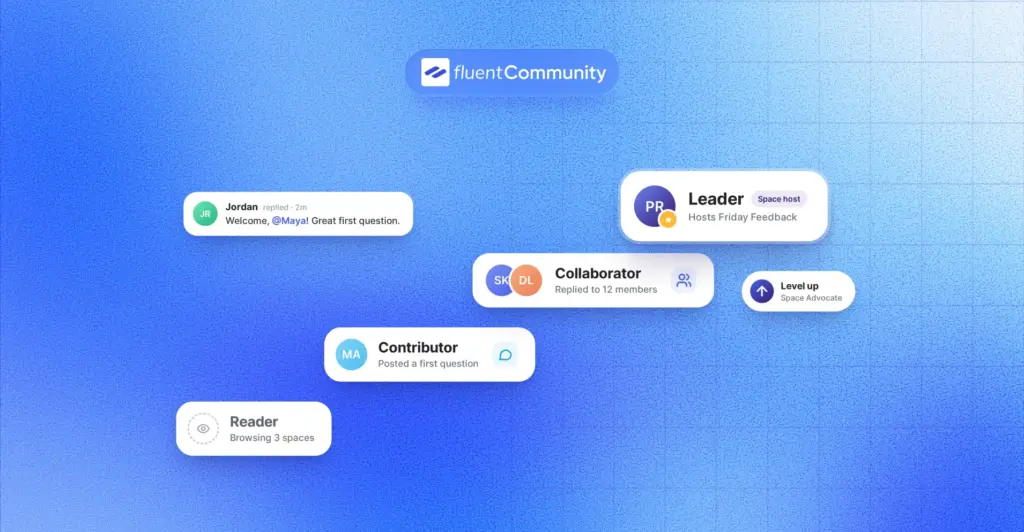
Gamification is another feature creators often overlook. A leaderboard with points, ranks, and badges rewards your most active members and quietly encourages everyone else to participate more. It turns contribution into something visible and fun, which is exactly what a growing community needs.
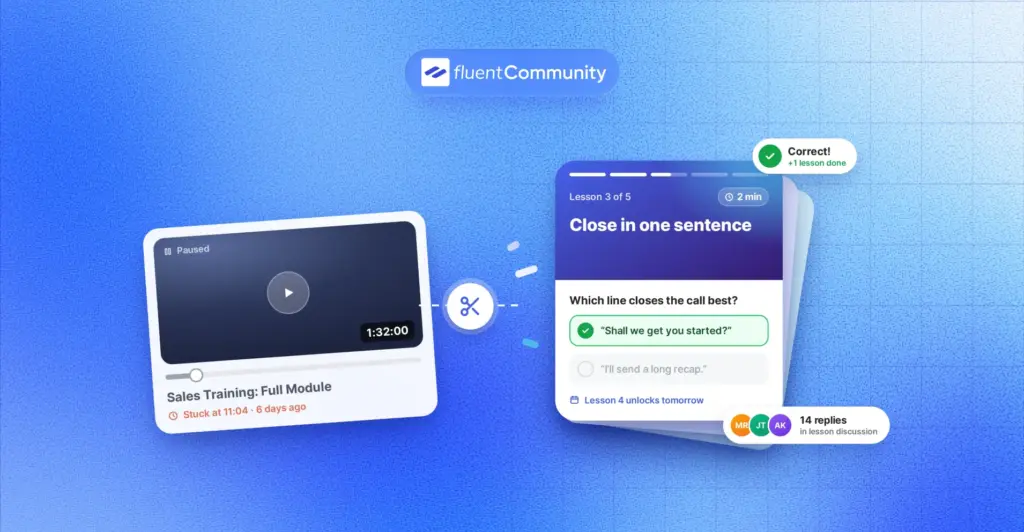
If you teach, a built-in course system is a game changer. When courses and community live in one place, students can discuss lessons, ask questions, and learn from each other without jumping between tools. Features like progress tracking and drip content help you guide learners step by step.
Finally, make sure the platform supports monetization and branding. You should be able to sell access to courses and private spaces, customize colors and layouts to match your brand, and offer a smooth mobile experience. Your members should feel like they are visiting your space, not a generic app with your logo on top.
SaaS Platforms vs Self-Hosted WordPress: Which Is Right for You?
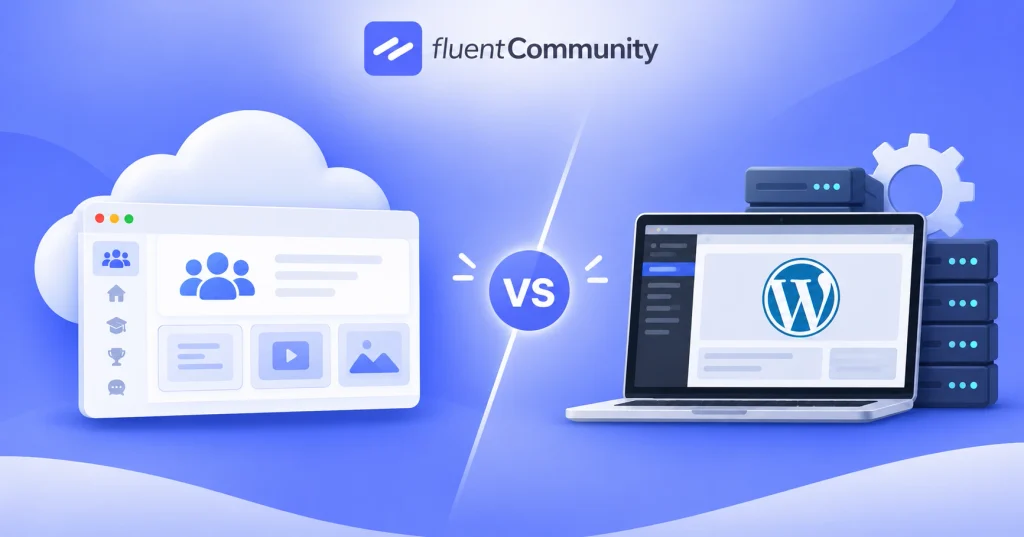
Once you decide to build a community, you face a wider choice: should you use a hosted SaaS platform or a self-hosted solution on WordPress? Both can work, but they lead to very different businesses over time.
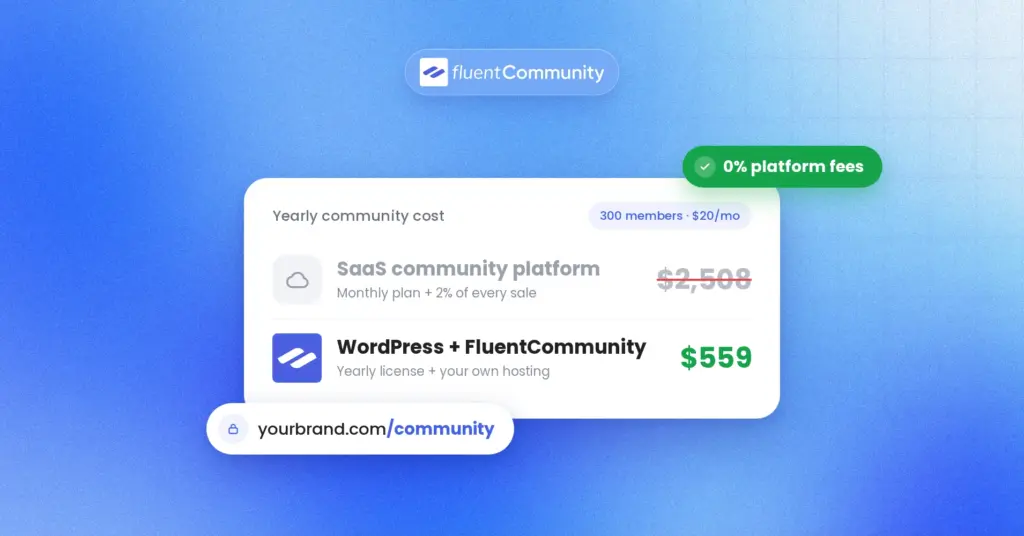
SaaS platforms are popular because they are quick to set up. You sign up, pick a plan, and start inviting members. The trade-off is that you are still renting. Monthly fees often rise as your member count grows or as you unlock more features, and some platforms take a cut of your sales through transaction fees. More importantly, your community lives on someone else’s servers, under someone else’s rules, which brings back the same ownership problem you were trying to escape from social media.
A self-hosted WordPress community works differently. You install a plugin on your own website, so your members, content, and data stay on infrastructure you control. You pay for the software and your hosting, but you are not charged more simply because your community becomes successful. On top of that, you get access to the wider WordPress ecosystem, which means you can connect forms, email marketing, payments, and other tools in whatever way fits your business.
The honest answer is that SaaS suits creators who want zero technical setup and are comfortable with ongoing fees. However, if you care about ownership, predictable costs, and long-term flexibility, a WordPress-based community platform is usually the smarter investment as you scale.
How FluentCommunity Helps Creators Build Their Own Space
If the self-hosted route sounds right for you, FluentCommunity is built for exactly this kind of creator business. It is a WordPress plugin that combines a full community platform with a built-in learning management system, so you can run your community and your courses from one dashboard.
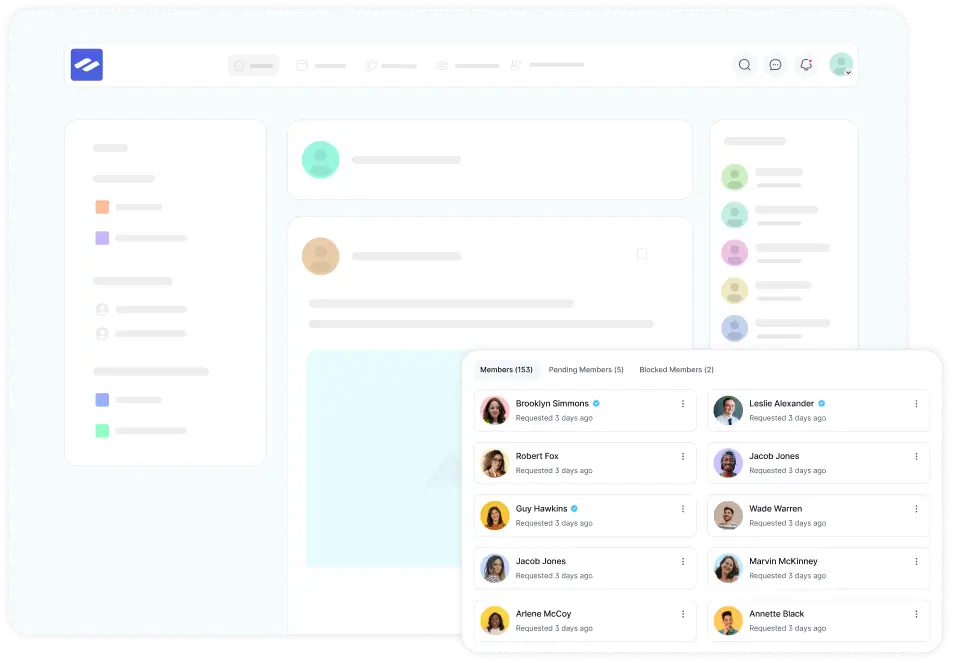
On the community side, you get unlimited spaces, activity feeds, user profiles, comments and reactions, mentions, hashtags, polls and surveys, and real-time chat. To keep members engaged, the leaderboard ranks people by their activity and assigns ranks and titles based on the points they earn, while user badges add another layer of recognition. Dark and light modes, branding controls, and a mobile-friendly layout help your space feel polished and professional.
For creators who teach, the course builder uses the familiar Gutenberg editor and supports lesson discussions, progress tracking, and drip content. That means students can learn and talk about the material in the same place. When you are ready to earn, you can sell access to courses and private spaces, including recurring payments for paid membership areas.
Pricing is also refreshingly simple. Every plan includes all features, and the price only changes based on how many sites you use. According to the pricing page, a single-site annual license is listed at $199 per year, currently discounted to $159 for the first year, while a single-site lifetime license costs $399. There is also a 14-day money-back guarantee, so you can test it with your own audience before fully committing.
How to Choose and Launch Your Creator Community
Before you pick a platform, get clear on what your community is for. A space built around a course needs strong learning tools, while a fan community needs great discussion and chat features. Once you know your goal, choosing the right features becomes much easier.
After that, think about where you want to be in two or three years. A tool that feels cheap today can become expensive once your membership grows, so compare long-term costs rather than just the first month. It is also worth checking how much control you will have over your data, branding, and payment setup.
When you launch, start small and intentional. Invite your most engaged followers first, set up a handful of focused spaces, and post a welcome thread that tells new members what to expect. Early members shape the culture, so give them a reason to participate from day one.
Conclusion
A community platform is no longer a nice extra for creators. It is the foundation that protects your audience, deepens engagement, and turns your work into a sustainable business. Social media can still bring people in, but your own community is where they should stay.
If you are ready to build a space you truly own, choose a platform that gives you control, room to grow, and the tools to keep members engaged. Explore FluentCommunity’s features and see how it can become the home base for your creator business.

Prema Anjum
My full name is Anzuman Ara Chowdhury. But people know me as Prema Anjum. I’m a Digital Marketer by profession, a WordPress community contributor, and a travel enthusiast by heart.
Add your first comment to this post