
7 Best Social Media Plugins for WordPress

Table of Content
Subscribe To Get
WordPress Guides, Tips, and Tutorials


In 2026, social media is still going to be one of the strongest ways to connect with your audience online. And if you run a WordPress site, the right social media plugin can make a world of difference. It can help more people discover your content, encourage real engagement, and let you share posts or display social feeds without slowing your website down.
In this guide, I’ll walk you through everything you need to know before choosing a social media plugin. We’ll look at the most popular options, the features that actually matter, and which tools work best for different types of websites.
You’ll learn why social plugins are important, what to look for, which plugins are worth trying, and my final recommendations based on your goals. Whether you want more reach, more engagement, or a smoother workflow, this guide has you covered.
Why do you need a social media plugin in WordPress?
At its core, a social media plugin connects your website with social platforms. But today’s best plugins do far more than that. They improve how people interact with your content, strengthen your brand presence, and make your workflow easier. Here’s a deeper look at what a modern, high-quality social media plugin should offer:
Lightweight, fast-loading share buttons
Your social buttons should never slow down your website. A good plugin loads scripts efficiently, avoids unnecessary bloat, and uses optimized code so your pages stay fast. This ensures your visitors get a smooth browsing experience, which also helps with SEO.
Mobile-friendly layout with smart placement options
Since most people browse from their phones, responsive button designs are essential. Great plugins let you place share buttons as floating bars, sticky sidebars, or inline buttons. So they’re always visible without being annoying. This naturally increases shares and engagement.
Customizable design that fits your brand
Share buttons shouldn’t look out of place. A strong plugin lets you adjust colors, shapes, sizes, alignment, and style variations. This makes it easy to match your website’s personality, whether it’s minimal, bold, playful, or professional.
Accurate share counts with intelligent fallback
For many site owners, social proof matters. While some networks restrict share counts, the best plugins work around these limitations gracefully. They show accurate numbers when possible and hide or display alternatives when counts can’t be retrieved without breaking the layout.
Embedded social feeds with smart caching
Instead of manually pasting content from Instagram, Facebook, X/Twitter, TikTok, or YouTube, a premium plugin lets you display beautiful, real-time feeds directly on your site. With caching it reduces the number of API calls, which keeps your site fast and prevents rate-limit issues.
Optional social automation for effortless posting
If you’re a solo creator, blogger, or busy business owner, auto-posting can save hours. Quality plugins can automatically publish new blog posts to your social channels, helping you maintain a consistent presence without manual work.
Analytics and click tracking for insights
A powerful plugin helps you understand what’s performing well. Whether it’s tracking how many clicks a share button gets, which networks your audience prefers, or which posts drive the most shares, analytics give you data-backed direction for your content strategy.
Privacy-focused settings for user trust
With privacy laws becoming stricter, plugins must offer features like GDPR compliance, cookie consent compatibility, anonymous mode, or reduced tracking. This builds trust and ensures your site respects user data preferences.
Developer-friendly hooks and clean CSS flexibility
For custom or large-scale websites, having hooks and editable CSS classes makes life easier. Developers can extend or override features, integrate with other tools, or refine the look without hacking core files.
Not every plugin does all of this. Some excel at creating beautiful, Instagram-like feeds, while others specialize in automation or share tools. The right choice depends on your goals, whether you want more visibility, smoother workflows, or deeper audience engagement.
How to choose: questions to ask before installing
Before hitting “Install,” it’s worth pausing to think carefully about what you actually need. Taking a moment for clarity upfront can save a lot of time later. Start by asking yourself a few key questions. What’s your real goal? Are you aiming for more content shares, dynamic social feeds, or automatic post publishing across channels?
Knowing your main priority makes the decision much easier. Next, consider how sensitive your site is to performance. High-traffic or e-commerce sites need lightweight, optimized plugins without heavy scripts that slow loading.
Privacy is another important factor. If your audience is global or you follow strict standards, choose a plugin that supports GDPR compliance, two-step loading, or minimal tracking by default.
Also, think about whether you need to show multiple social feeds. Combining Instagram, YouTube, and X/Twitter posts requires a plugin built specifically for feeds rather than simple sharing buttons.
Finally, decide if a free plugin meets your needs or if you’re willing to invest. Paid versions often provide advanced features, analytics, and priority support. By clarifying goals, performance, privacy, and budget, you can quickly narrow options and select the social media plugin that truly fits your site.
Top social media plugins for WordPress
Below, you’ll find a curated list of the most recommended social media plugins, organized by the features users value most. I break down what each plugin excels at, where it might fall short, and how it fits different website needs, so you can choose the right tool with confidence.
FluentCommunity
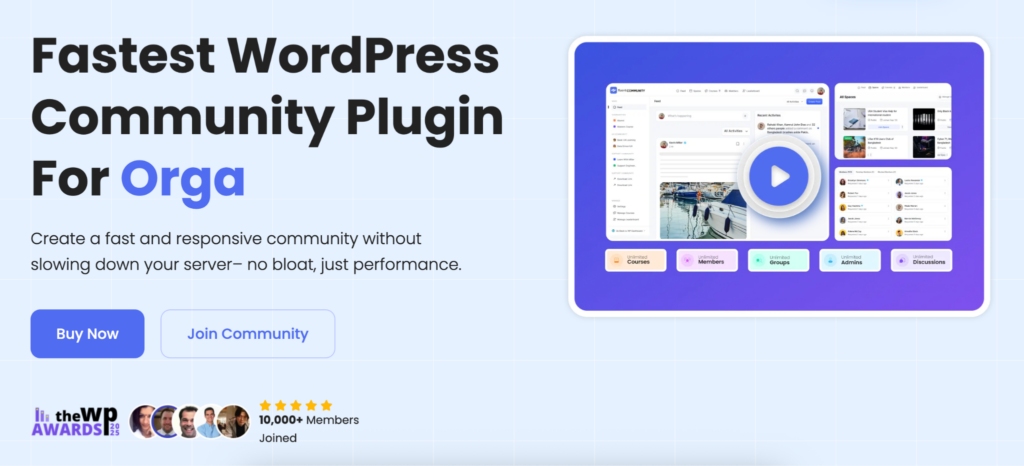
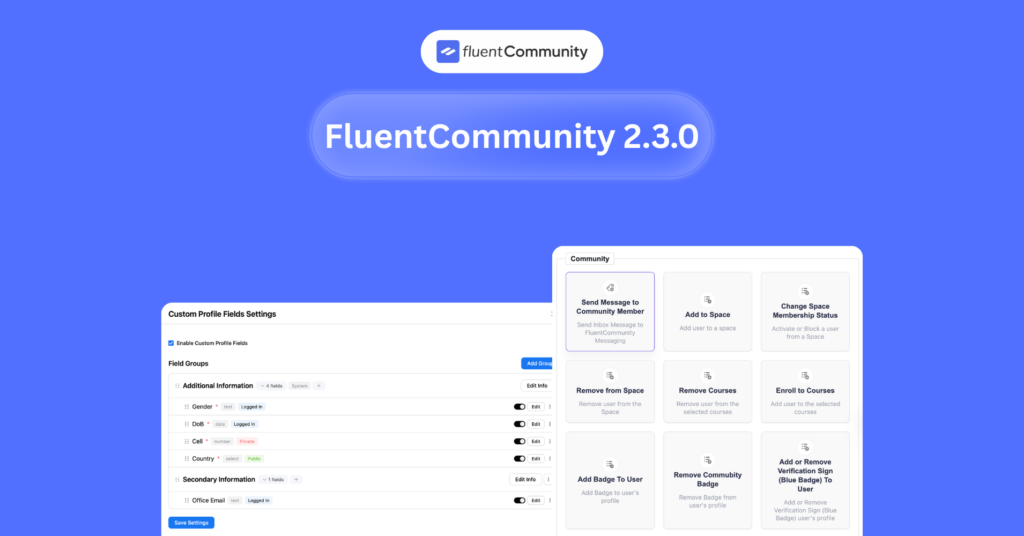
FluentCommunity is a powerful social media platform designed to help creators and businesses grow their online presence and grow communities in WordPress. With features like interactive polls, real-time chats, activity feeds, group creation, and user-generated posts, it encourages active participation.
Leaderboards and gamification boost engagement, while smooth integrations and analytics help track growth. From building niche communities to nurturing loyal followers, FluentCommunity provides the tools to grow both your platform and your audience.
Price
FluentCommunity’s free version is enough for making a community. But has some pro plans too. The annual plan for one site starts at $159/year. If you manage more domains, you can choose the 5-site or 15-site plans at higher rates. Alternatively, lifetime licenses are available starting at $399 for one site, $799 for five sites, and $1,599 for fifteen sites, all with lifetime updates and support.
FluentCommunity is a complete community platform designed for businesses. Download now to create and manage your community.
WP Social Ninja

WP Social Ninja is an all‑in‑one WordPress plugin that helps website owners embed social content, reviews, and chat widgets, all from one dashboard. Instead of juggling separate plugins for social feeds, customer reviews, and chat functionality, you can use WP Social Ninja to aggregate multiple social feeds, show user reviews from various platforms, and add chat widgets to your site without writing a line of code.
One of its strengths is flexibility. You can connect multiple user accounts per platform, filter feeds by hashtags or keywords, auto‑sync feeds so your content stays up-to-date, and customize display settings such as layout, templates, typography, and more. For reviews, you have deep control. You can aggregate reviews from different networks like Google, Yelp, Facebook, WooCommerce, filter by rating, show or hide reviewer names, adjust how many reviews appear, and choose from different layout templates.
Moreover, WP Social Ninja supports more than 30 social platforms and includes advanced features such as schema markup, GDPR‑compliant local image storage, and 24/7 support.
Because of this, many small businesses, e‑commerce shops, bloggers, and agencies find it very helpful. You can even display social proof, engage visitors via chat, and showcase social content, all in one plugin.
Blog2Social
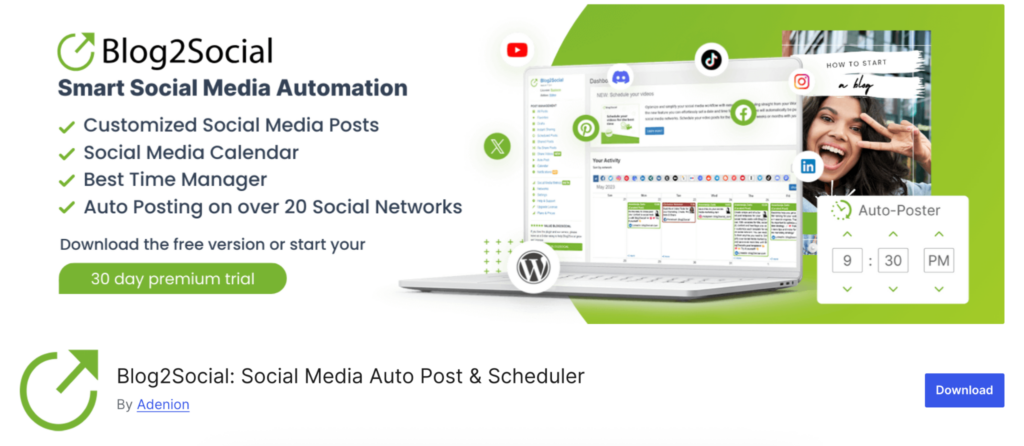
Blog2Social is a powerful WordPress plugin designed for users who want more control over their social media sharing. It allows per-post customization, letting you customize each post for different social networks, and includes a drag-and-drop calendar for scheduling content efficiently.
The plugin supports numerous networks and content formats, making it a versatile tool for bloggers and marketers alike. However, it can be somewhat complex for beginners, and many of its most advanced features are available only in the premium version. Overall, Blog2Social is ideal for users who prioritize control, customization, and strategic scheduling in their social media workflow.
Price
Blog2Social offers a freemium model with basic sharing on the free plan. Paid plans start at $7/ month for small users, $11/month for Pro, and $29/month for Business, billed annually. Each tier increases the number of users, websites, and social accounts, providing more control and flexibility for content scheduling.
Shared Counts
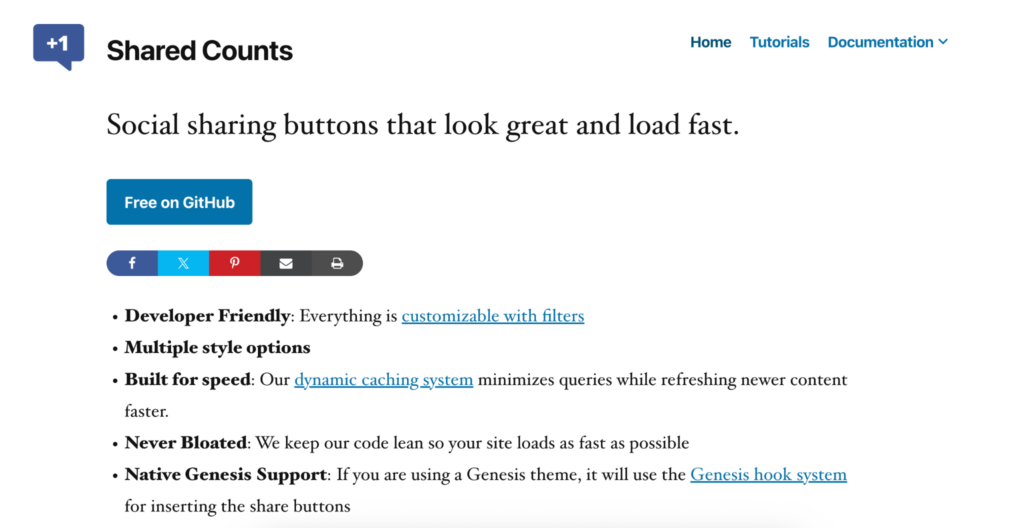
Shared Counts is a lightweight social sharing plugin designed for WordPress users who value speed and performance. It adds clean, minimal share buttons that load quickly and won’t slow down your site. Because of its focus on efficiency, it’s an excellent choice when you want fast share buttons without unnecessary bloat.
Additionally, it offers helpful features like share count support with caching, a clean and modern interface, and developer-friendly flexibility. However, it’s worth noting that the plugin provides fewer flashy design options out of the box, and you may need premium add-ons if you want more advanced layouts.
Price
Shared Counts is actually free to use; there’s no paid version. Consequently, if you install Shared Counts on your WordPress site, you won’t have to pay anything to get its core sharing buttons and functionality.
Sassy Social Share
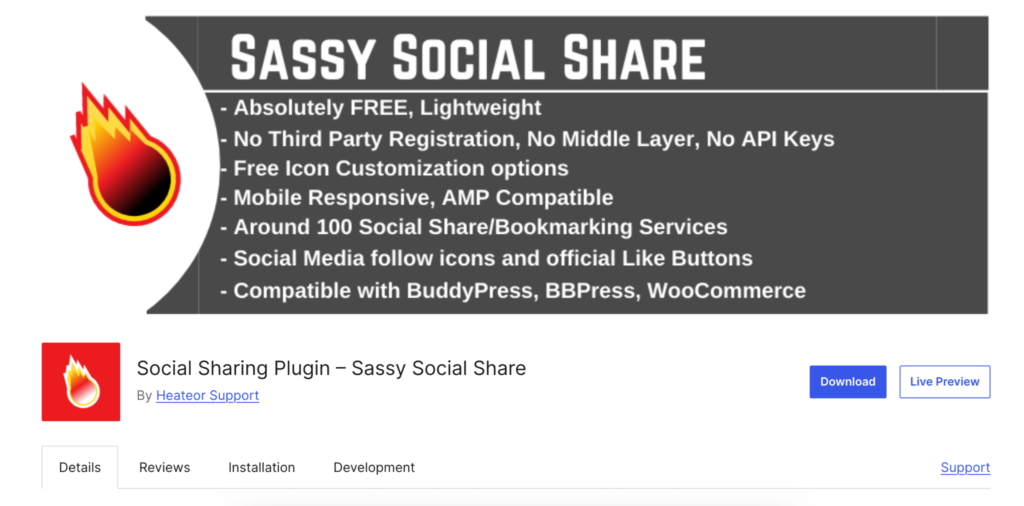
Sassy Social Share is a popular free plugin that offers a wide variety of button styles and placement options, making it great for users who want flexibility without spending money. It’s especially useful when you prefer plenty of styling choices while still keeping things simple and accessible.
Moreover, it provides a solid balance between features and performance and supports a large number of social networks. However, because it includes many design options and add-ons, the plugin can slow down your site if it’s not configured carefully.
Price
Sassy Social Share is free to use
Social Sharing Plugin – Social Warfare
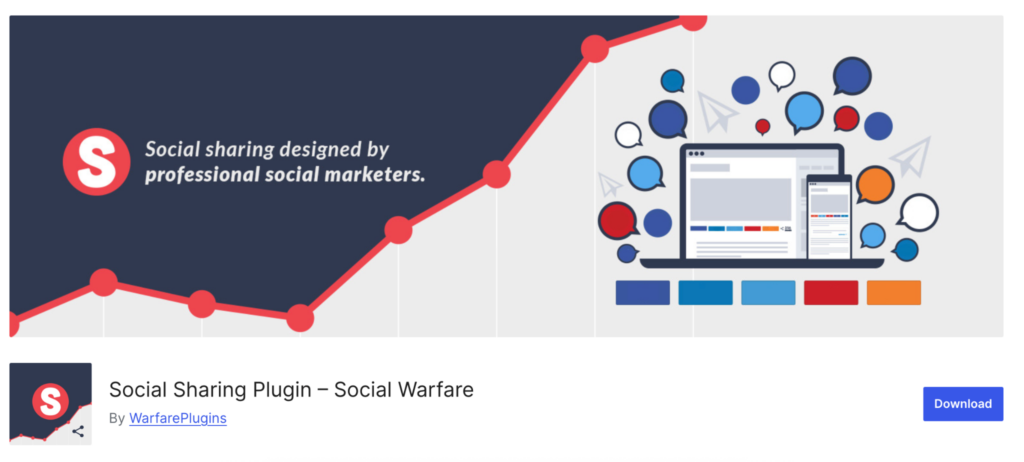
Social Warfare is designed for content creators who want visually appealing and highly customizable sharing buttons. It offers features like click-to-tweet, custom share images, and tailored text, giving you fine control over how your posts appear across social platforms. Because of its advanced design options and powerful social card controls, it’s an excellent choice for content marketers who prioritize presentation and brand consistency.
However, since many of its best features are locked behind the premium version, and considering its past security and support controversies, it’s wise to review recent feedback before committing.
Price
Social Warfare provides a free version with basic sharing buttons, while its Pro plan unlocks advanced features like click-to-tweet, custom share images, and social card controls. Pricing starts at $29/year for a single site, with higher tiers available for 5, 10, or unlimited sites, making it a flexible solution for content creators seeking premium social sharing tools.
Feed Them Social
Feed Them Social is a versatile freemium WordPress plugin designed to help website owners easily display social media feeds in a unified and organized interface. It is particularly suitable for those who want a simple setup without delving into complex configurations or coding. The plugin supports multiple social networks, allowing you to showcase Facebook, Instagram, Twitter, and other feeds seamlessly in one place.
Additionally, it provides shortcodes, which make embedding feeds into posts, pages, or widgets straightforward and highly flexible. This feature is especially useful for website owners who want to place social feeds in specific areas of their site without having to modify the theme extensively.
However, it is important to note that while the free version covers basic functionality, it lacks advanced customization and styling options. Therefore, upgrading to the premium version is recommended for users who need enhanced design flexibility and professional features.
Price
Feed Them Social offers a free version with basic social feed features, while its premium plans unlock advanced options and styling. Pricing starts at $50/year for a single site and scales up to $199/year for unlimited sites, making it a flexible solution for users needing multi-site social feed support.
Use-case recommendations: which plugin is best for whom?
When choosing a WordPress plugin for social engagement, the best option depends on your goals and technical needs. FluentCommunity is ideal for creators and businesses focused on building active online communities, offering features like polls, group creation, and gamified leaderboards.
WP Social Ninja works best for small businesses, e-commerce sites, and agencies that want to display social feeds, reviews, and chat widgets in one dashboard.
Blog2Social suits bloggers and marketers who need per-post customization and strategic scheduling across multiple networks.
For users seeking fast, lightweight social sharing, Shared Counts is perfect, while Sassy Social Share is better for those wanting multiple styling options without cost.
Social Warfare is recommended for content creators who prioritize visually appealing share buttons and precise control over how posts appear on social media.
Lastly, Feed Them Social is excellent for website owners who want an easy setup to embed multiple social feeds with minimal configuration.
By aligning each plugin’s strengths with your goals, community building, social proof, content sharing, or feed embedding, you can select the tool that maximizes engagement while fitting your workflow and budget.
Conclusion
In conclusion, selecting the right social media plugin for your WordPress site depends largely on your specific goals and audience engagement strategy. By understanding your needs, whether it’s community growth, social engagement, content promotion, or feed aggregation, you can choose the plugin that not only fits your workflow but also enhances user interaction, boosts visibility, and strengthens your online presence. Ultimately, investing in the right plugin ensures that your website remains engaging, interactive, and optimized for social media success.

Prema Anjum
My full name is Anzuman Ara Chowdhury. But people know me as Prema Anjum. I’m a Digital Marketer by profession, a WordPress community contributor, and a travel enthusiast by heart.






Leave a Reply